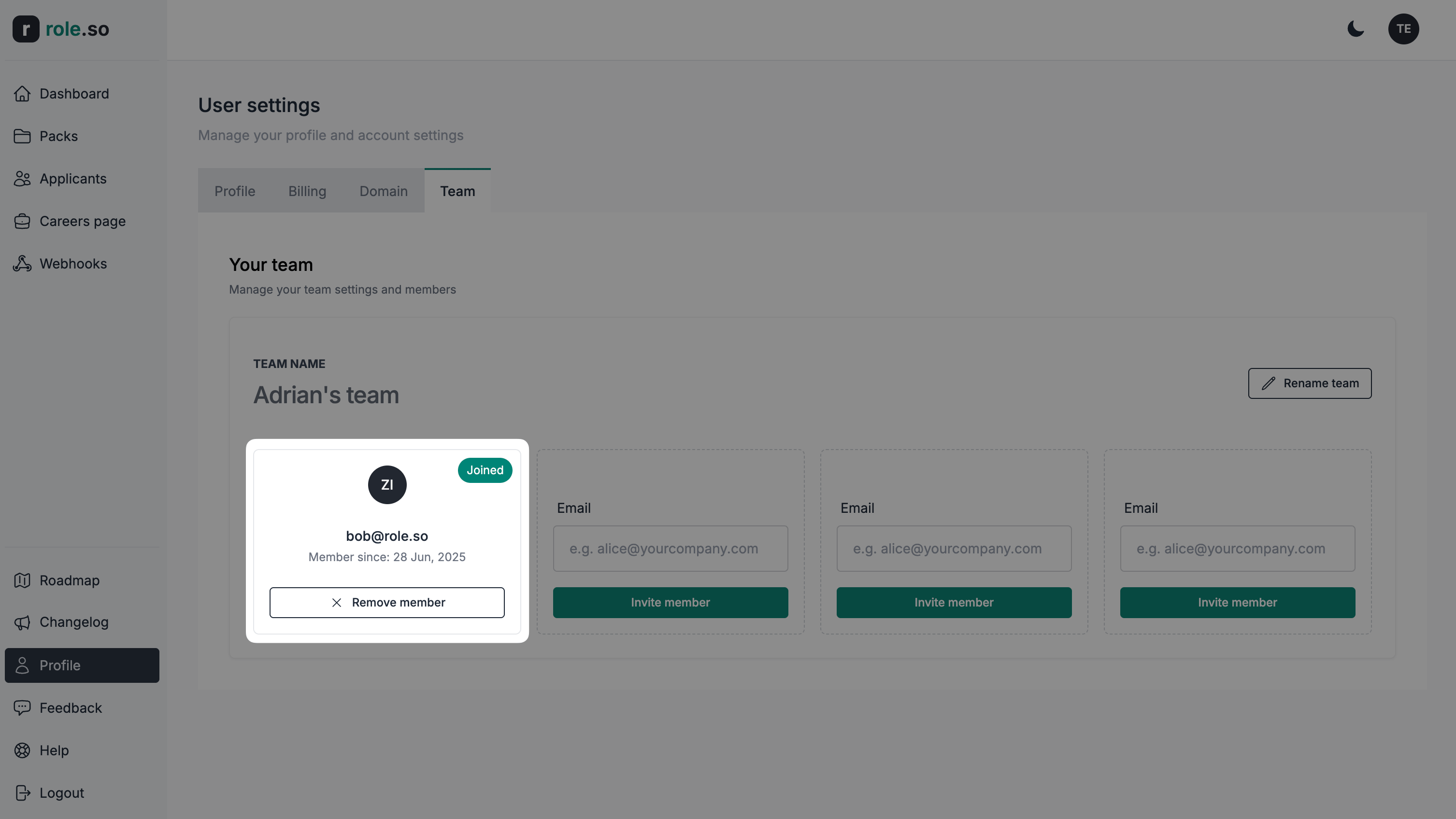
Inviter un membre de l’équipe
Vous pouvez inviter des membres lorsque votre compte dispose de droits d'équipe actifs et d'une capacité disponible. Les membres invités n'ont pas besoin d'un abonnement individuel.
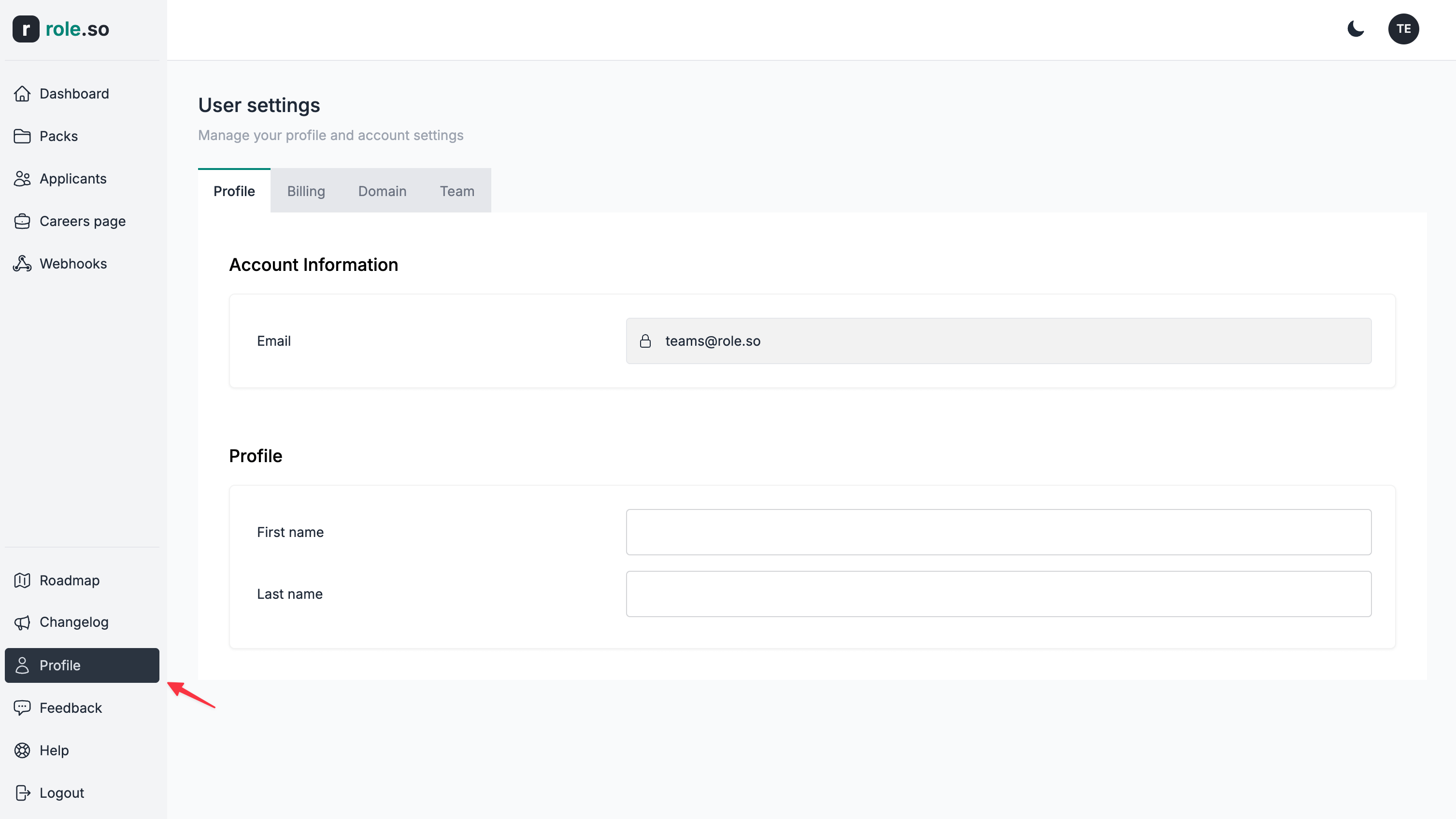
- Accédez à la section Équipe de vos paramètres
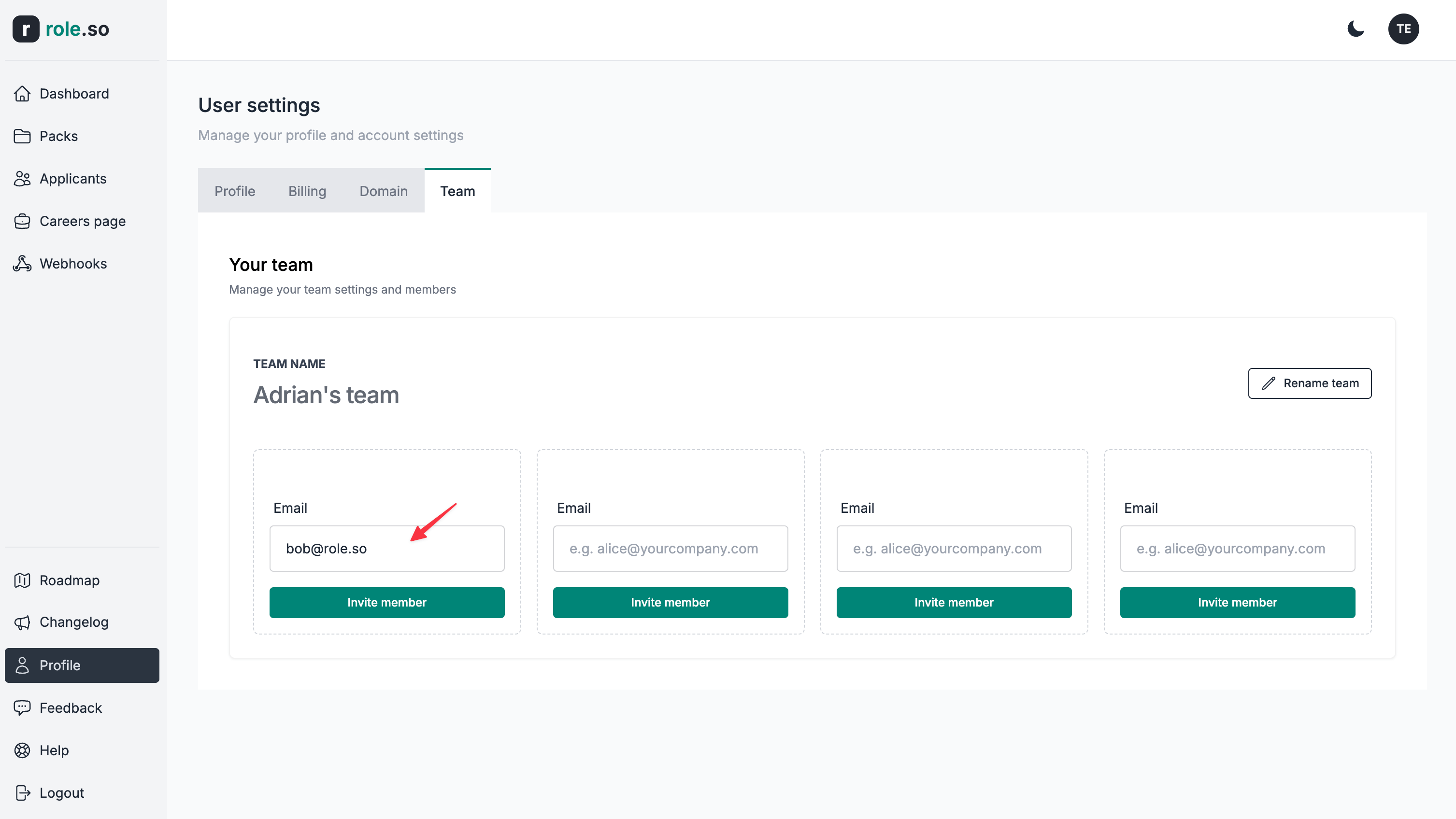
- Saisissez l'adresse email de la personne que vous souhaitez inviter dans votre équipe
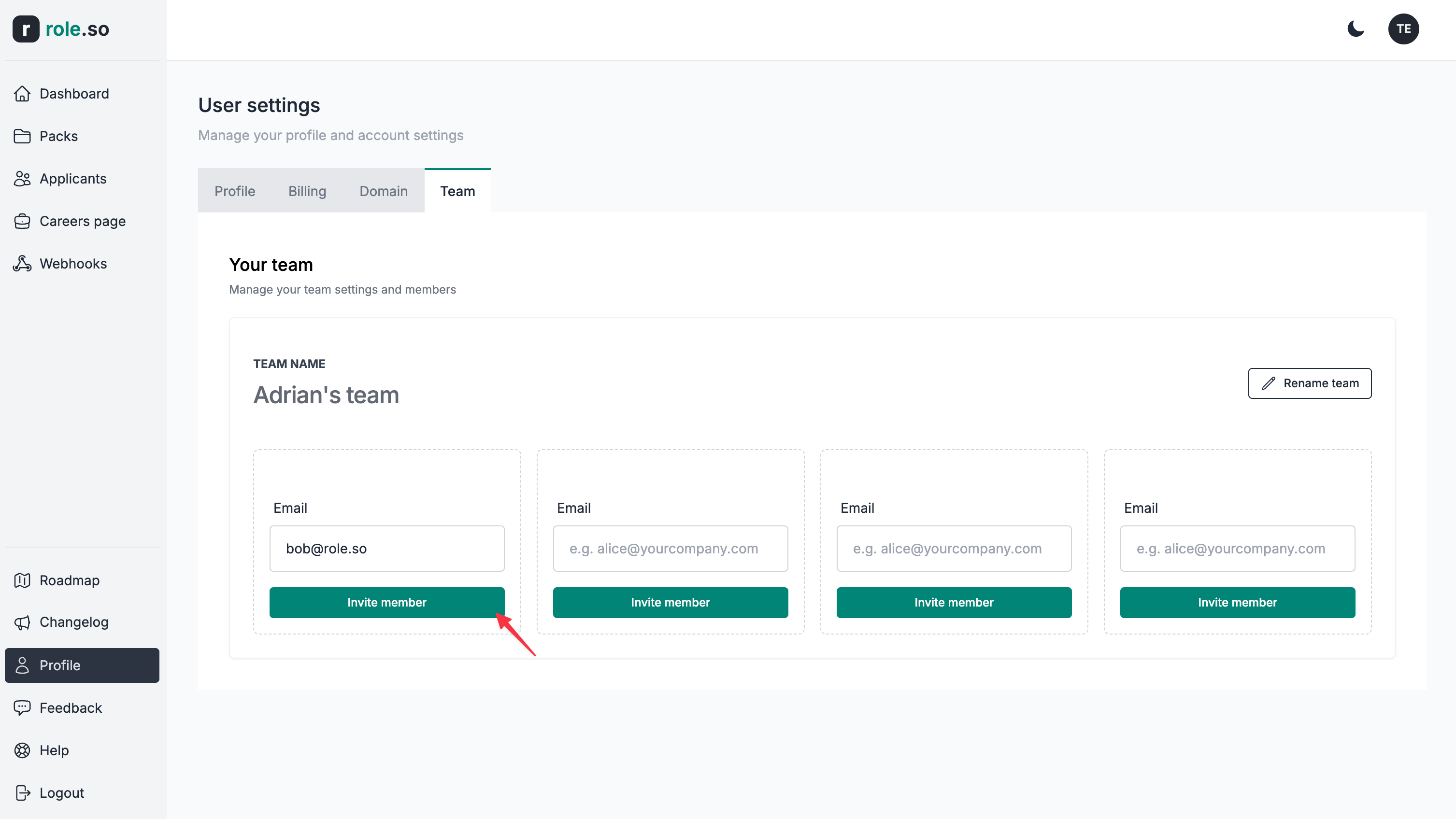
- Cliquez sur le bouton
Inviter un membre
- Le nouveau membre apparaît comme étant en attente jusqu'à son inscription et l'acceptation de votre invitation
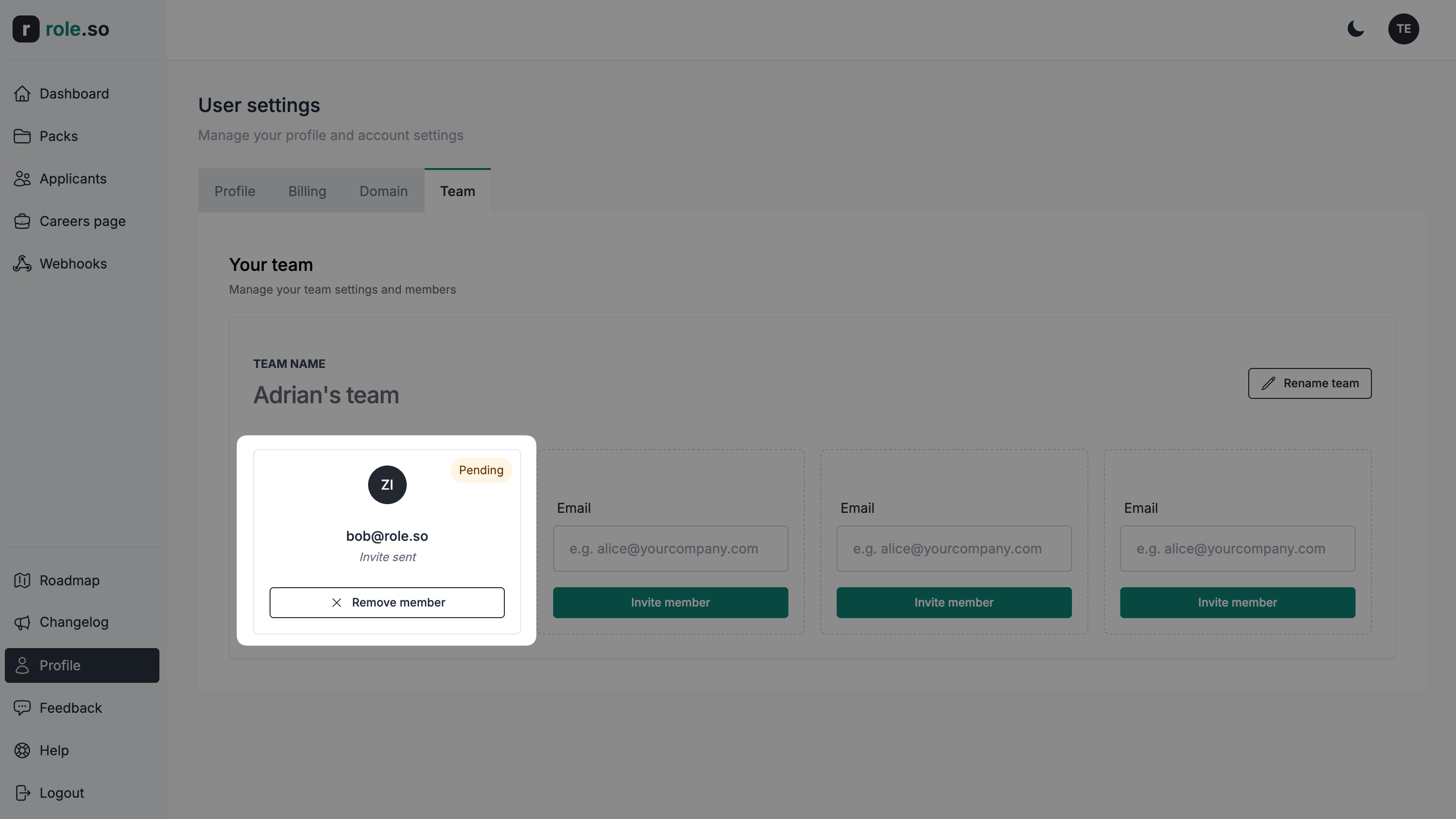
- Une fois l'invitation acceptée, le statut de son adhésion est mis à jour dans le tableau de bord de votre équipe