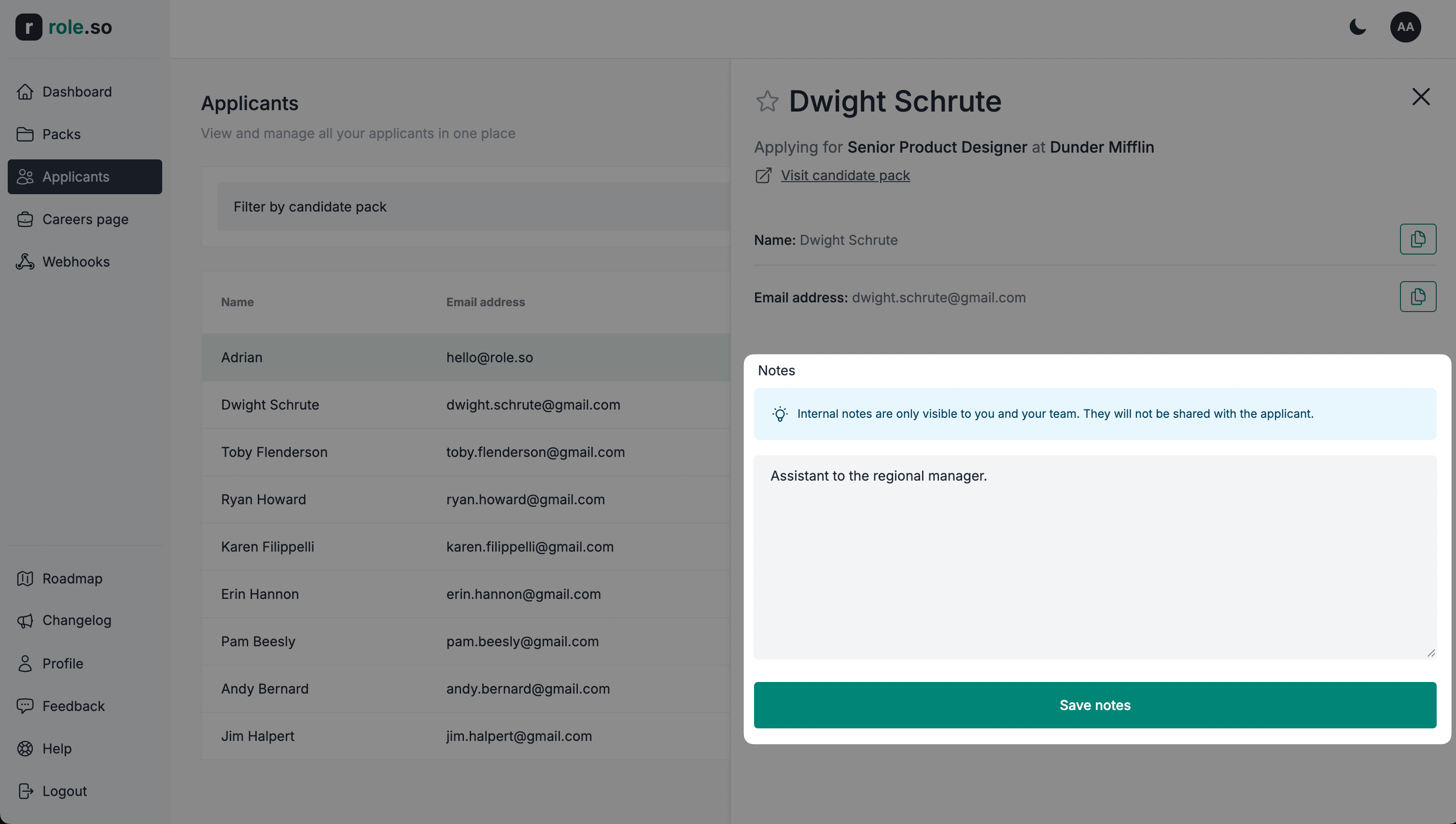
Détails et actions du candidat
Vue détaillée du candidat
- Accédez au tableau de bord des candidats
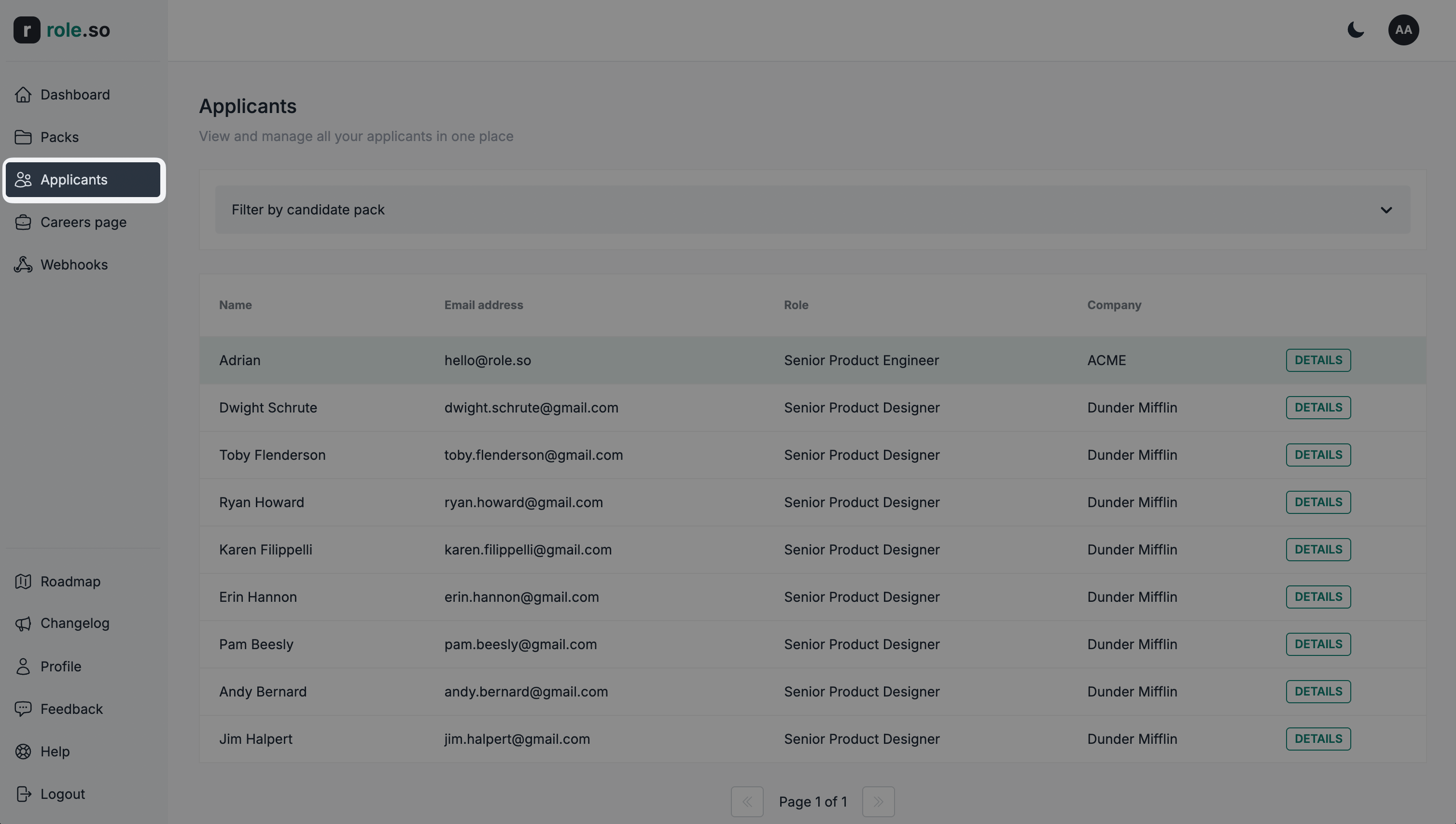
- Cliquez sur le bouton
Détailsdu candidat de votre choix
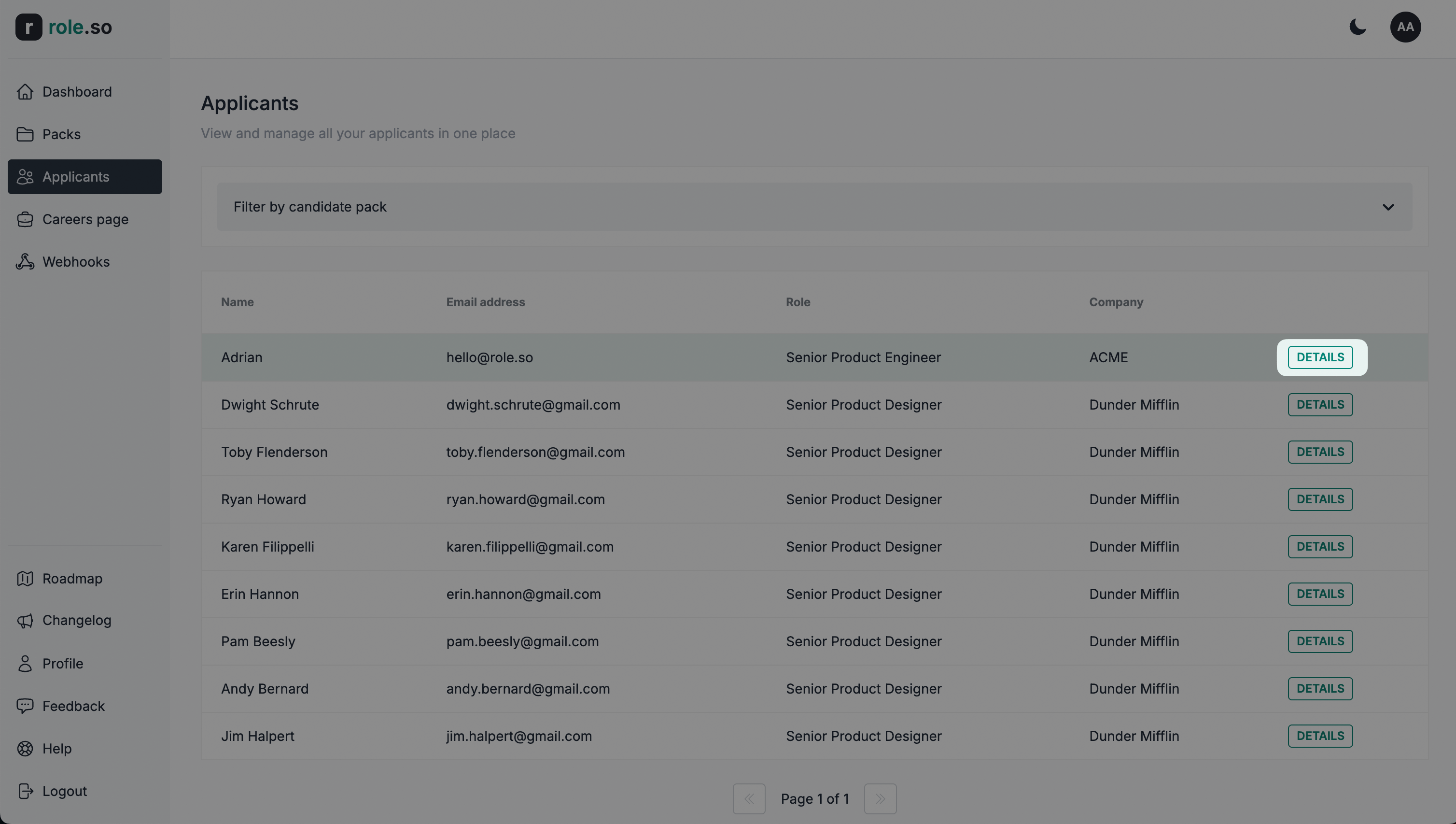
La vue détaillée du candidat s'ouvre alors.
Ajouter un candidat aux favoris
Utilisez le filtre
Favoris uniquementpour afficher les candidats ajoutés aux favoris par n’importe quel membre de votre équipe.
Pour mettre un candidat en favoris, cliquez sur l'icône en forme d'étoile située à gauche de son nom dans la vue détaillée du candidat.
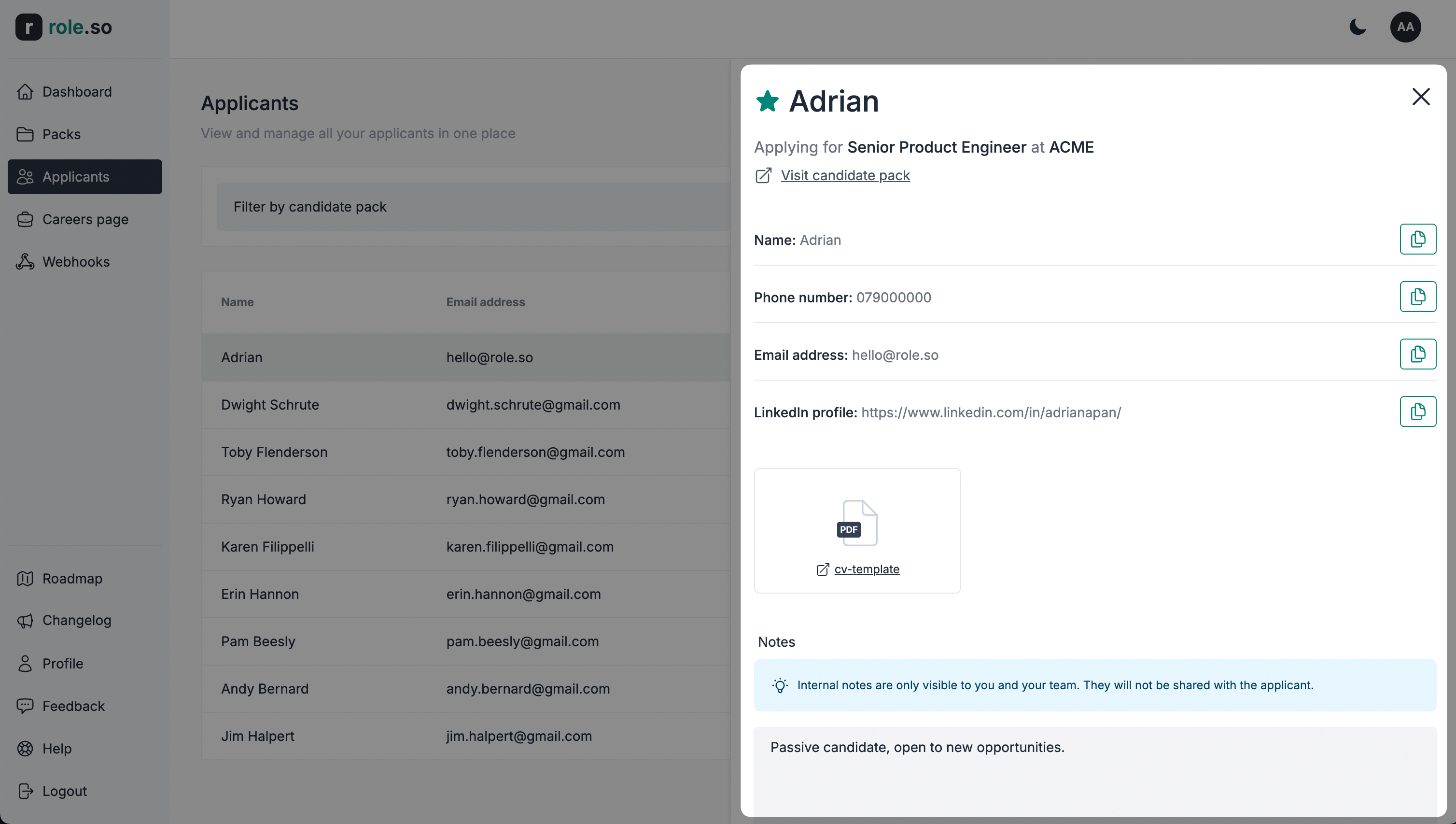
Ajouter une note interne
Les notes internes sont uniquement visibles par vous et votre équipe. Elles ne sont pas communiquées au candidat.
Pour ajouter une note sur un candidat, saisissez-la dans la zone de texte prévue à cet effet dans la vue détaillée du candidat, puis cliquez sur le bouton Enregistrer les notes.