Eliminar a un miembro del equipo
-
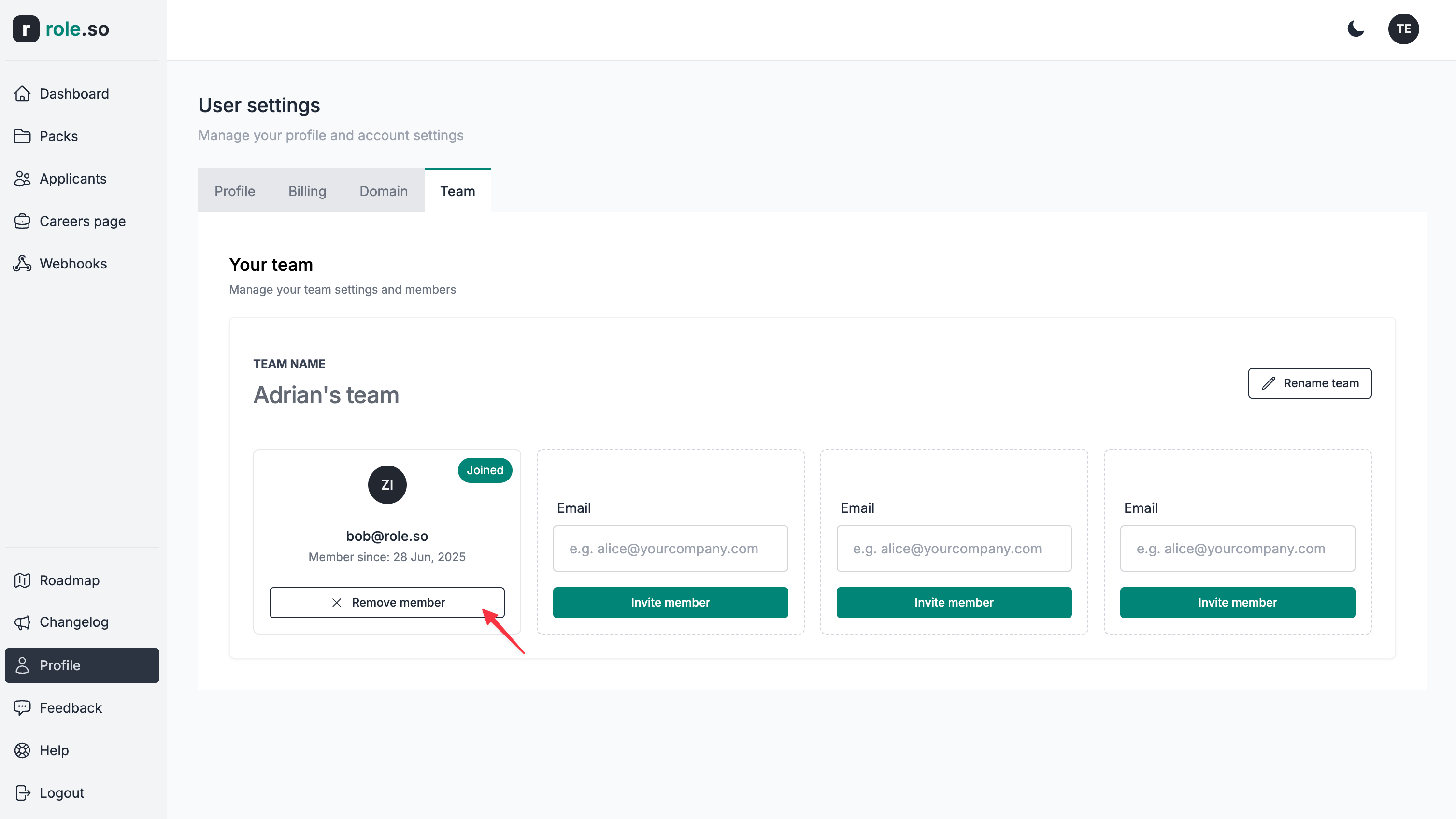
Ve a la sección Equipo de tu configuración.
-
Haz clic en el botón
Eliminar miembrodel miembro del equipo que quieras eliminar.
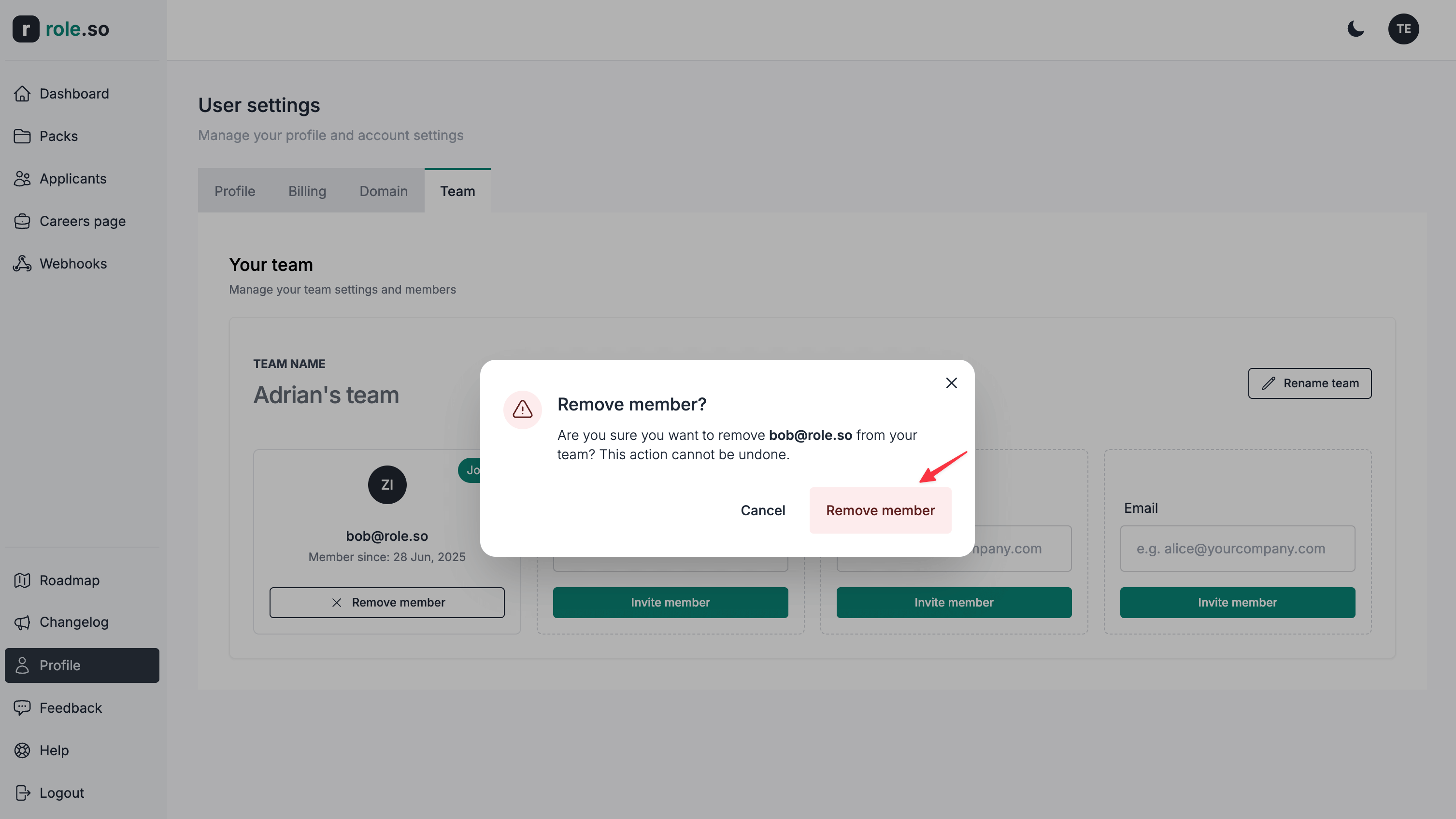
- En el cuadro de confirmación, haz clic en el botón
Remove member.
Cuando se elimina a un miembro del equipo, conservarás la propiedad de todo el contenido que haya creado.