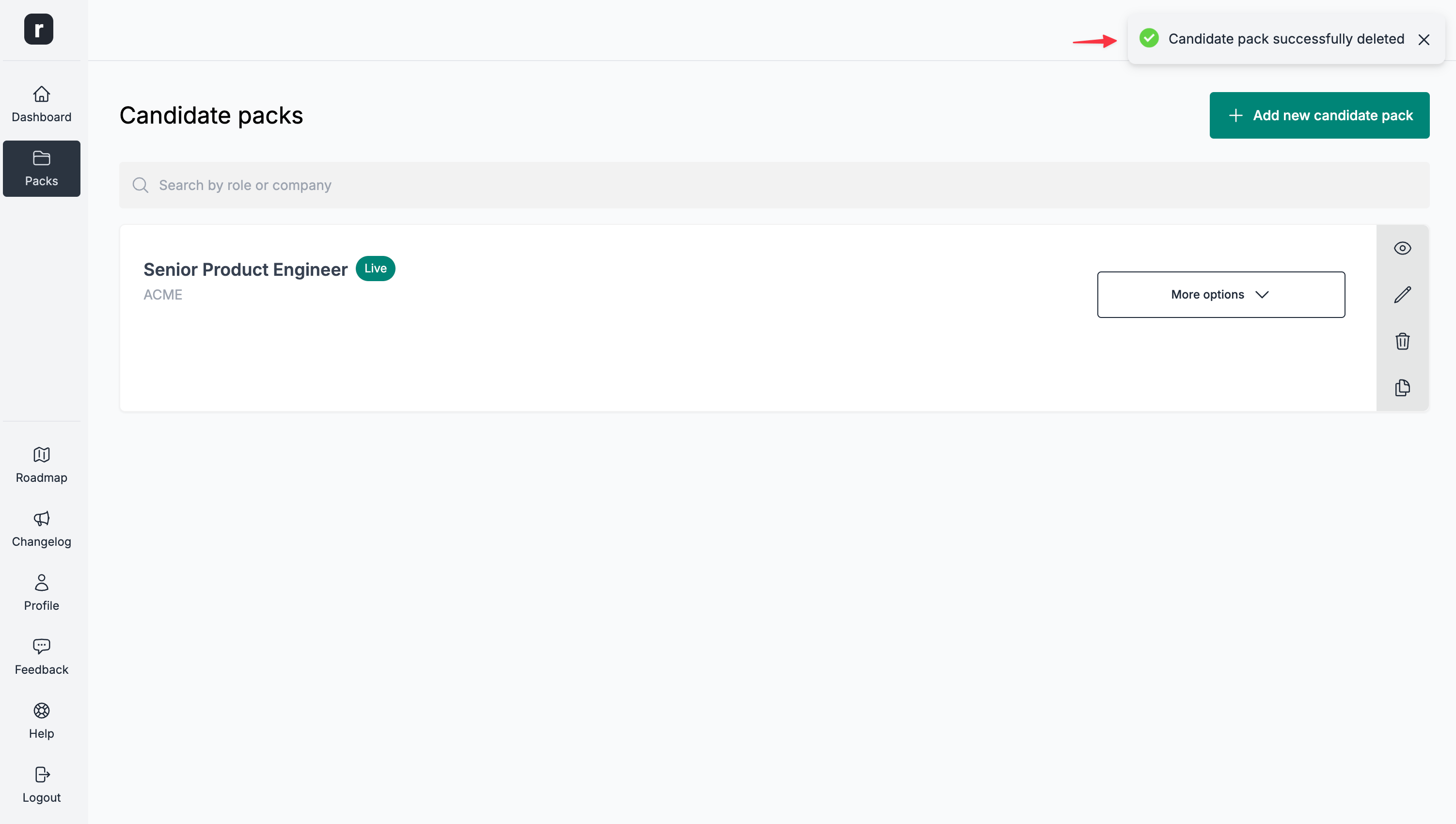
Eliminar un pack candidato
⚠️ Esta acción no se puede deshacer. Procede con precaución.
Los packs candidatos que tienen candidatos no se pueden eliminar. Si la eliminación se bloquea, el cuadro ofrece las opciones Ver candidatos y Archivar pack (cuando están disponibles) para revisar los candidatos o archivar el pack en su lugar.
Para eliminar un pack candidato:
- Ve a la página del editor del pack candidato.
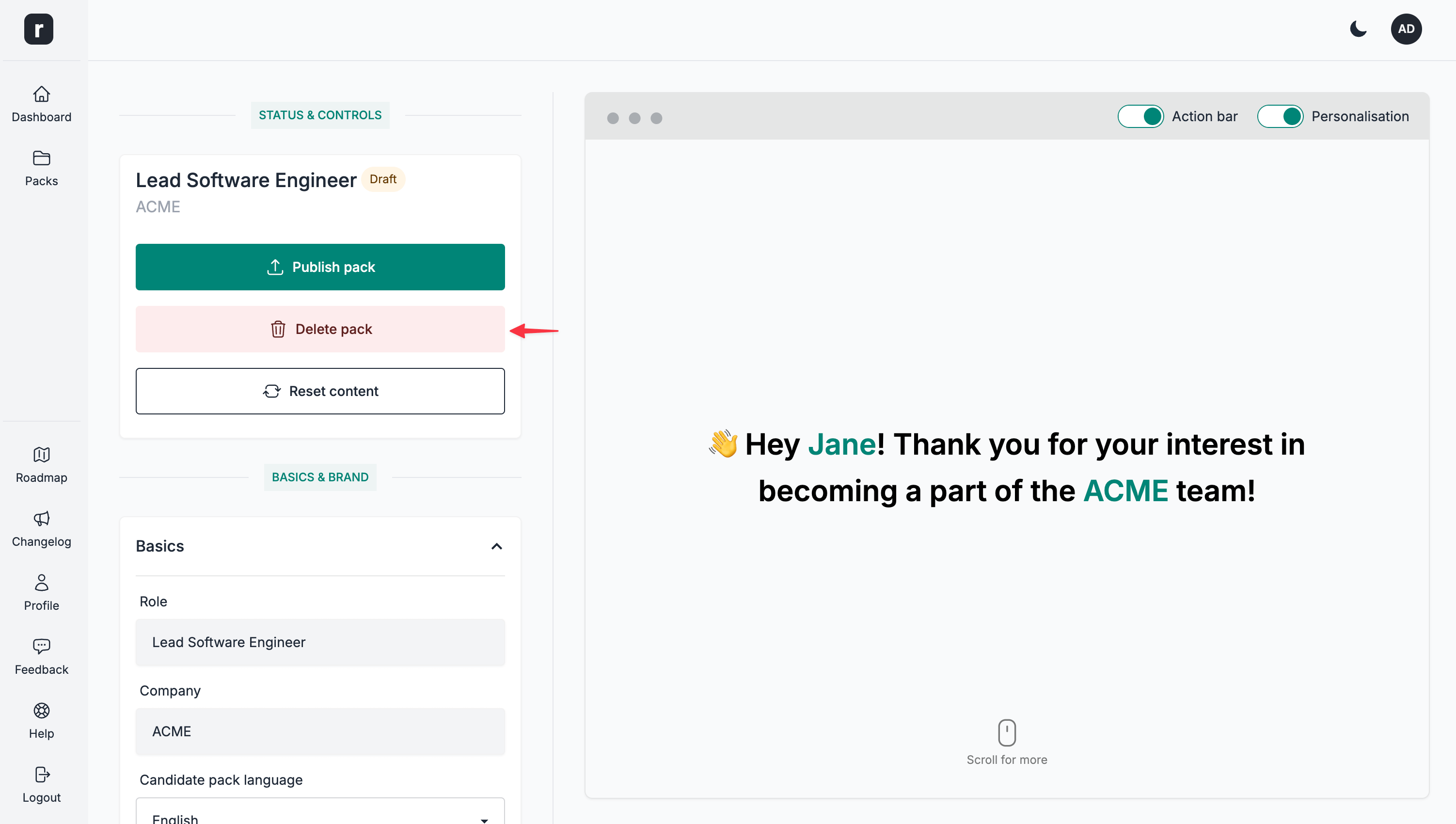
- Haz clic en la opción
Eliminar paquetede la secciónEstado y controles.
- Haz clic en la opción
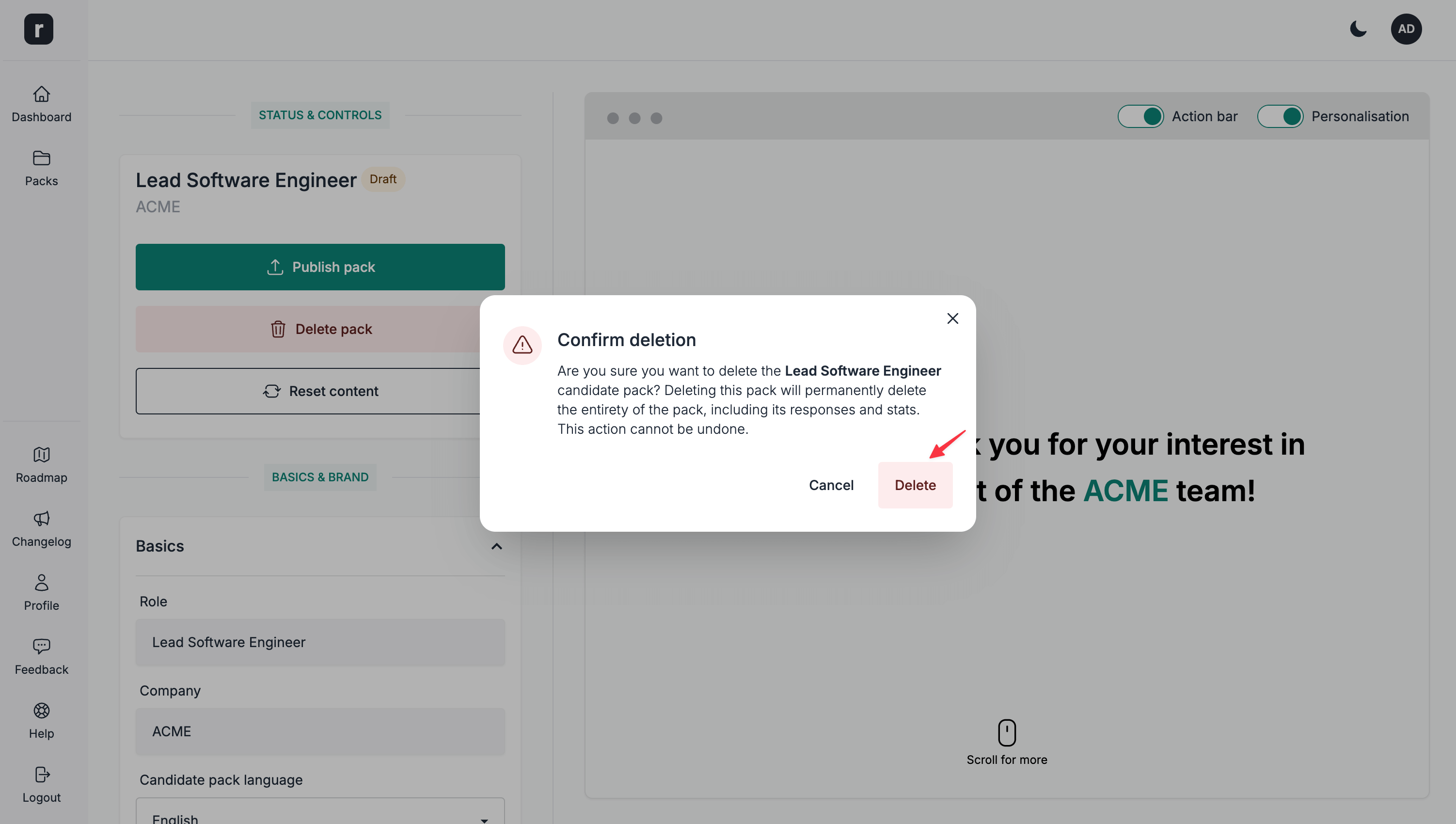
Eliminardel cuadro de confirmación. Si el pack tiene candidatos, la eliminación se bloqueará y el cuadro mostrará las alternativas.
- Si el pack no tiene candidatos, se eliminará y se te redirigirá a la página de lista de packs candidatos. Si tiene candidatos, elige
Ver candidatospara revisarlos oArchivar packpara conservar el pack sin eliminarlo.