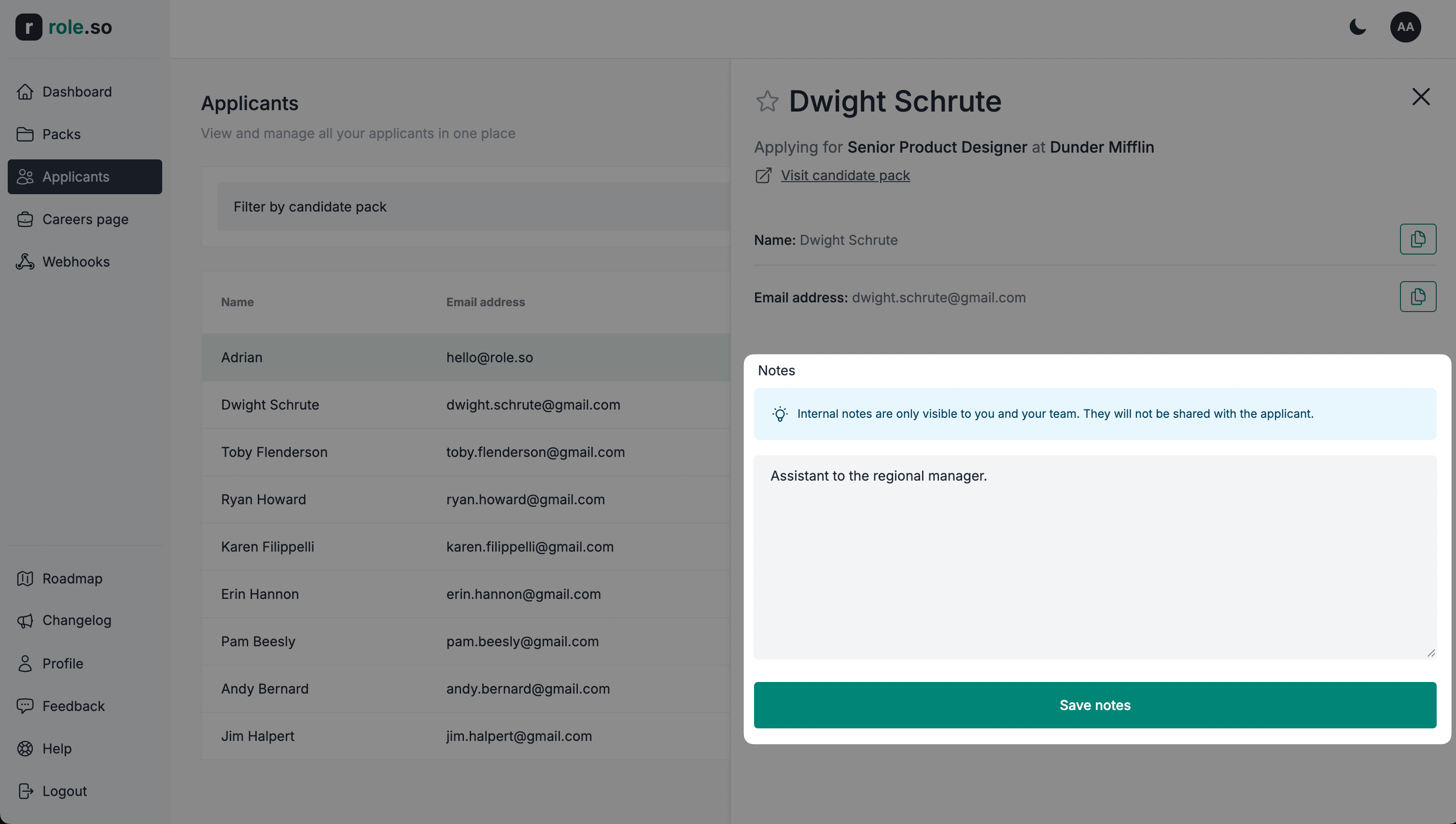
Detalles y acciones del candidato
Vista de detalles del candidato
- Ve al panel de candidatos.
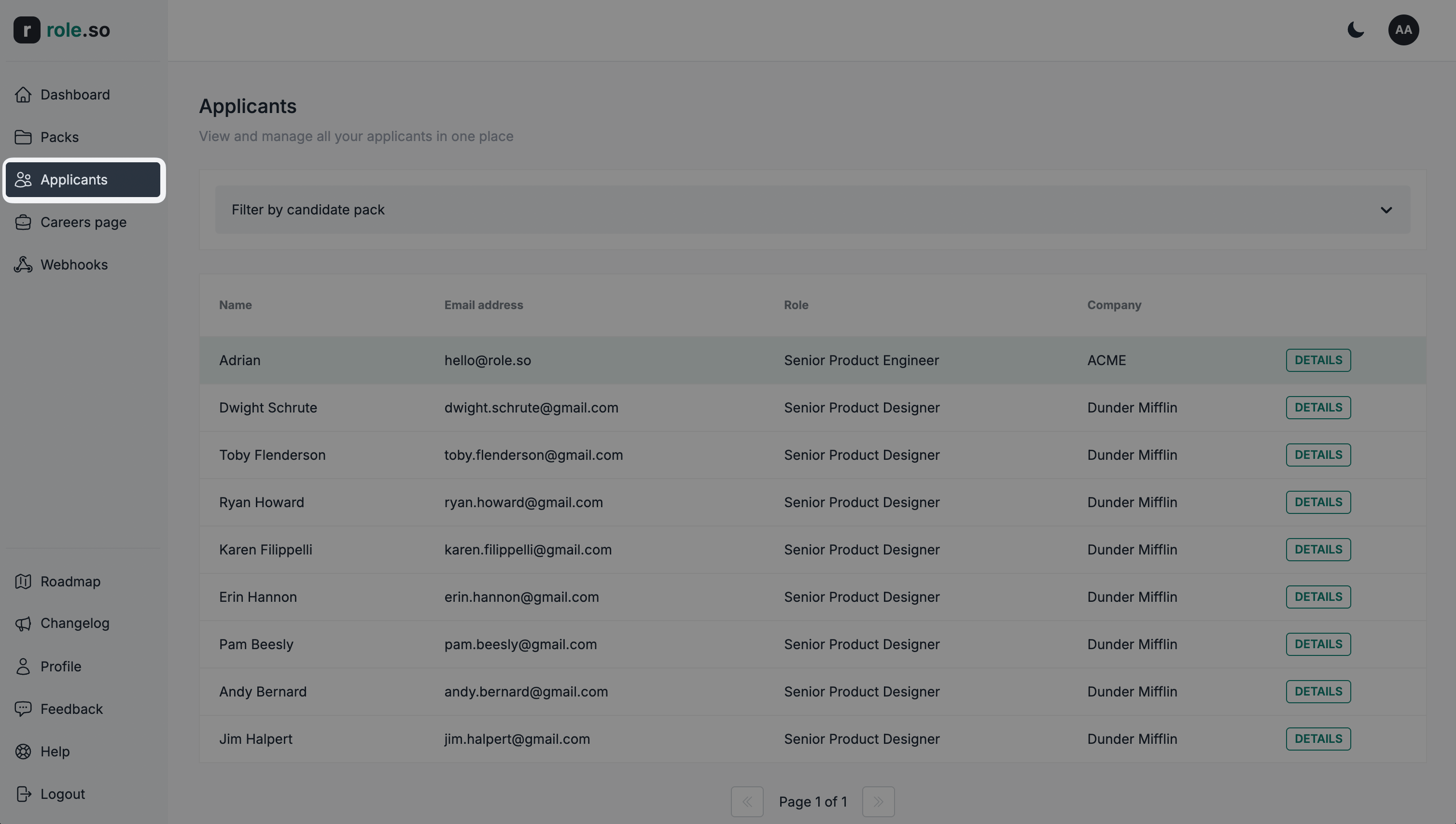
- Haz clic en el botón
Detallesdel candidato que quieras consultar.
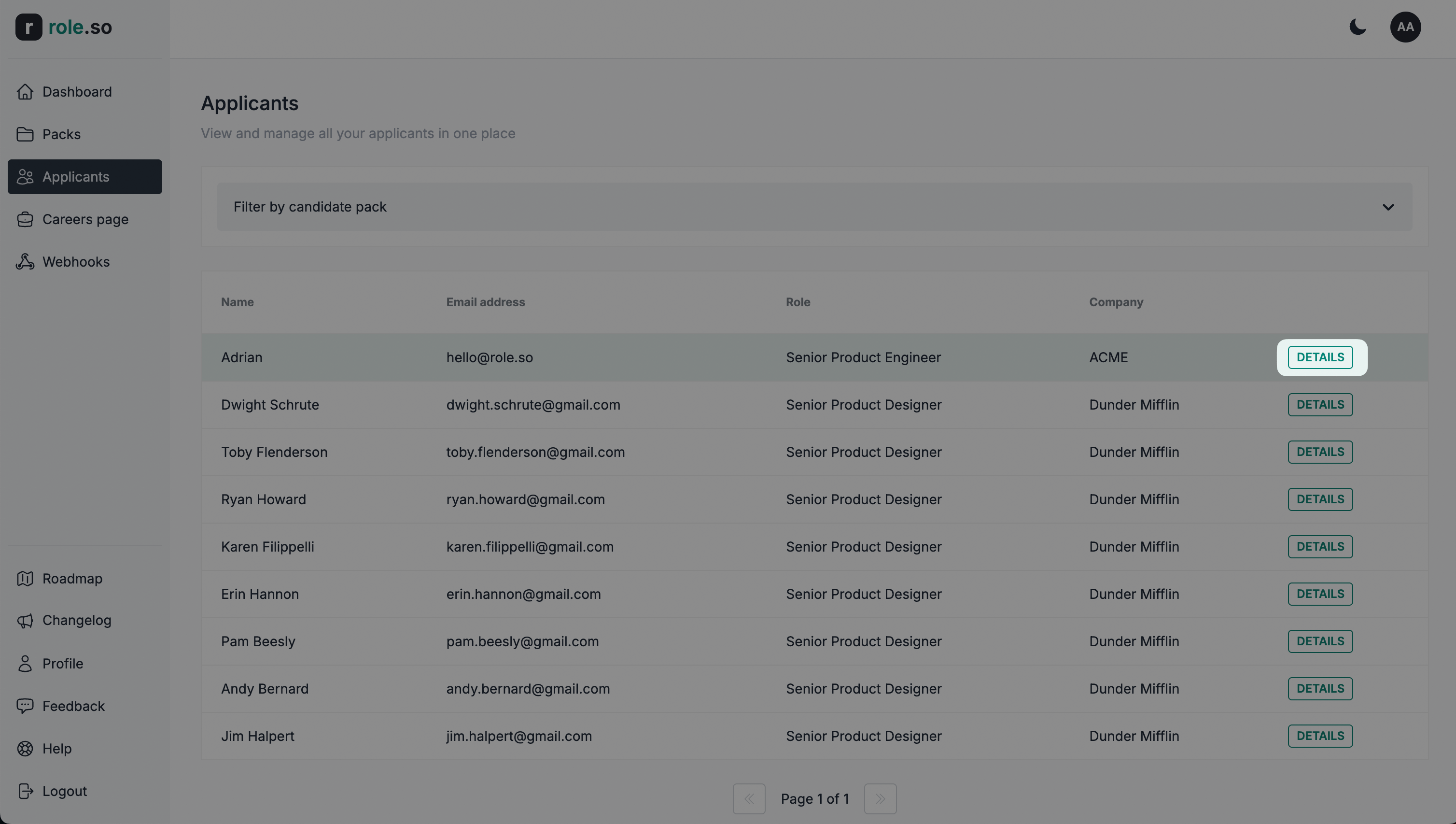
Se abrirá la vista de detalles del candidato.
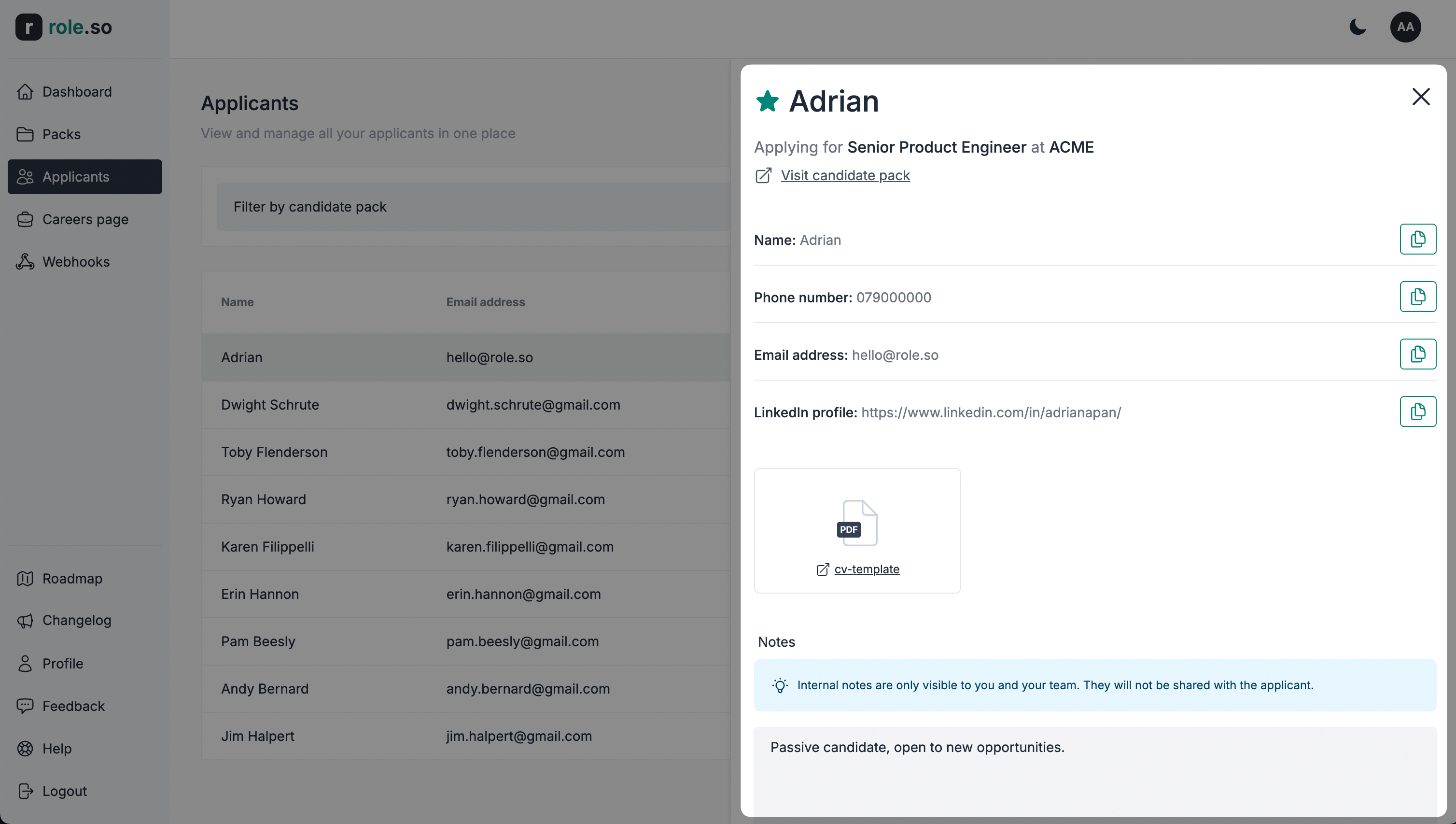
Añadir un candidato a favoritos
Usa el filtro
Solo favoritospara mostrar únicamente los candidatos que cualquier miembro de tu equipo haya marcado como favoritos.
Para preseleccionar un candidato, haz clic en el icono de favorito (estrella) situado a la izquierda de su nombre en la vista de detalles.
Añadir una nota interna
Las notas internas solo son visibles para ti y tu equipo. No se compartirán con el candidato.
Para añadir una nota, escribe en el área de texto de notas de la vista de detalles del candidato y haz clic en el botón Guardar notas.