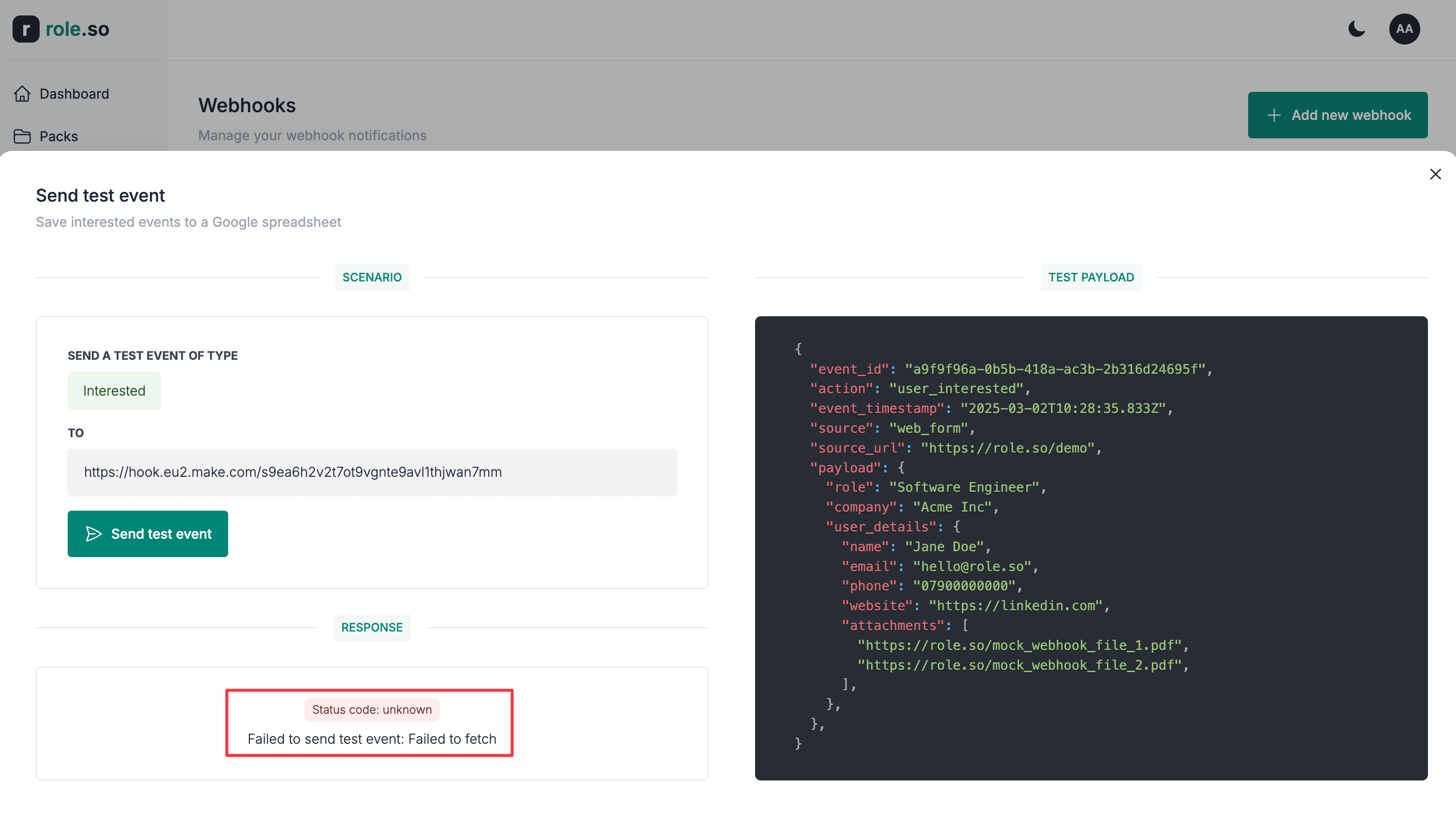
Send a test event
Sending test events
To ease the setup and to avoid skewing the candidate pack metrics, you have the option to send test notifications directly from the webhook setup interface.
Test events are sent in real-time.
To send a test event notification:
- Navigate to the Webhooks section

- Click the send test event button on the webhook card
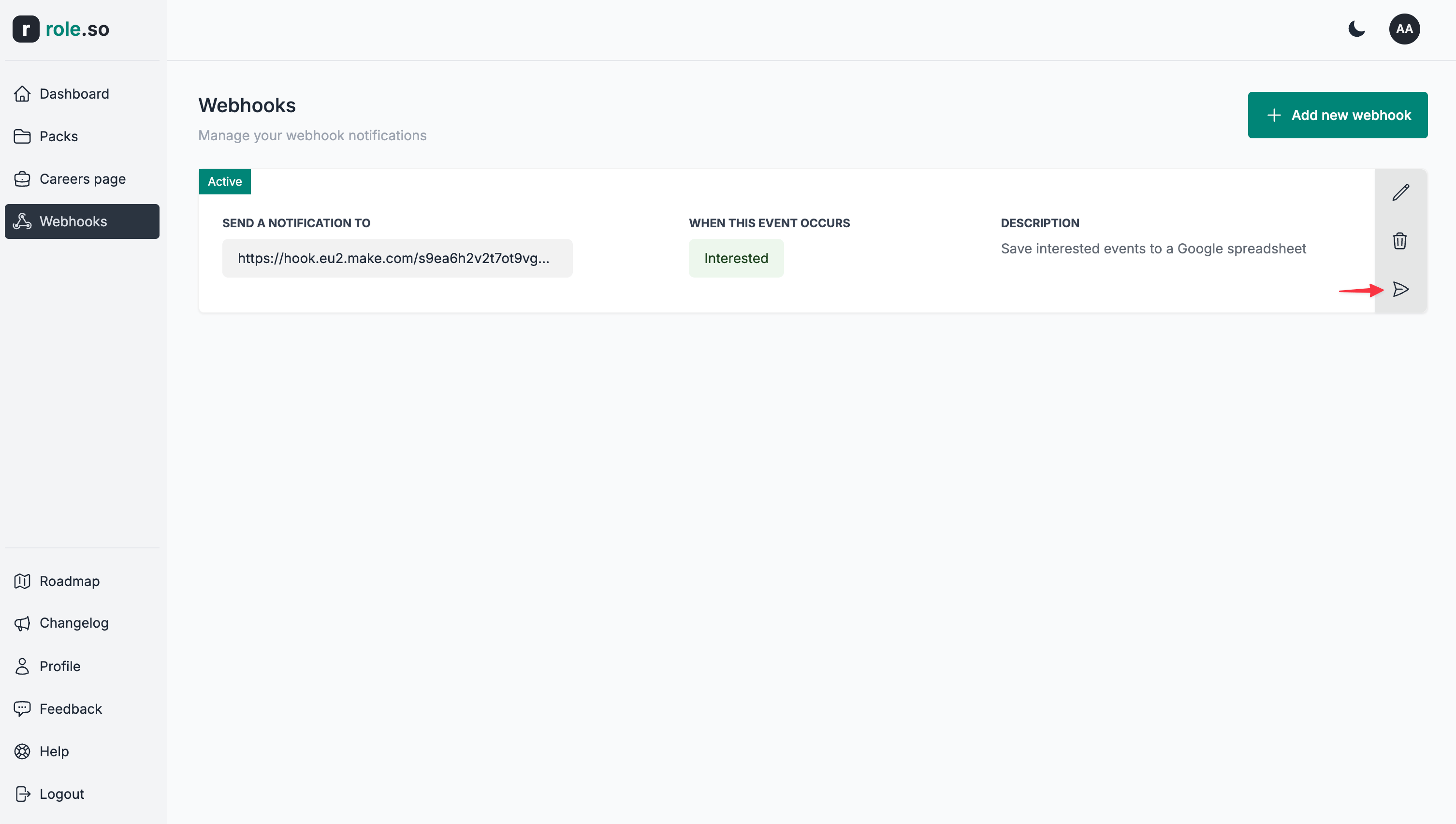
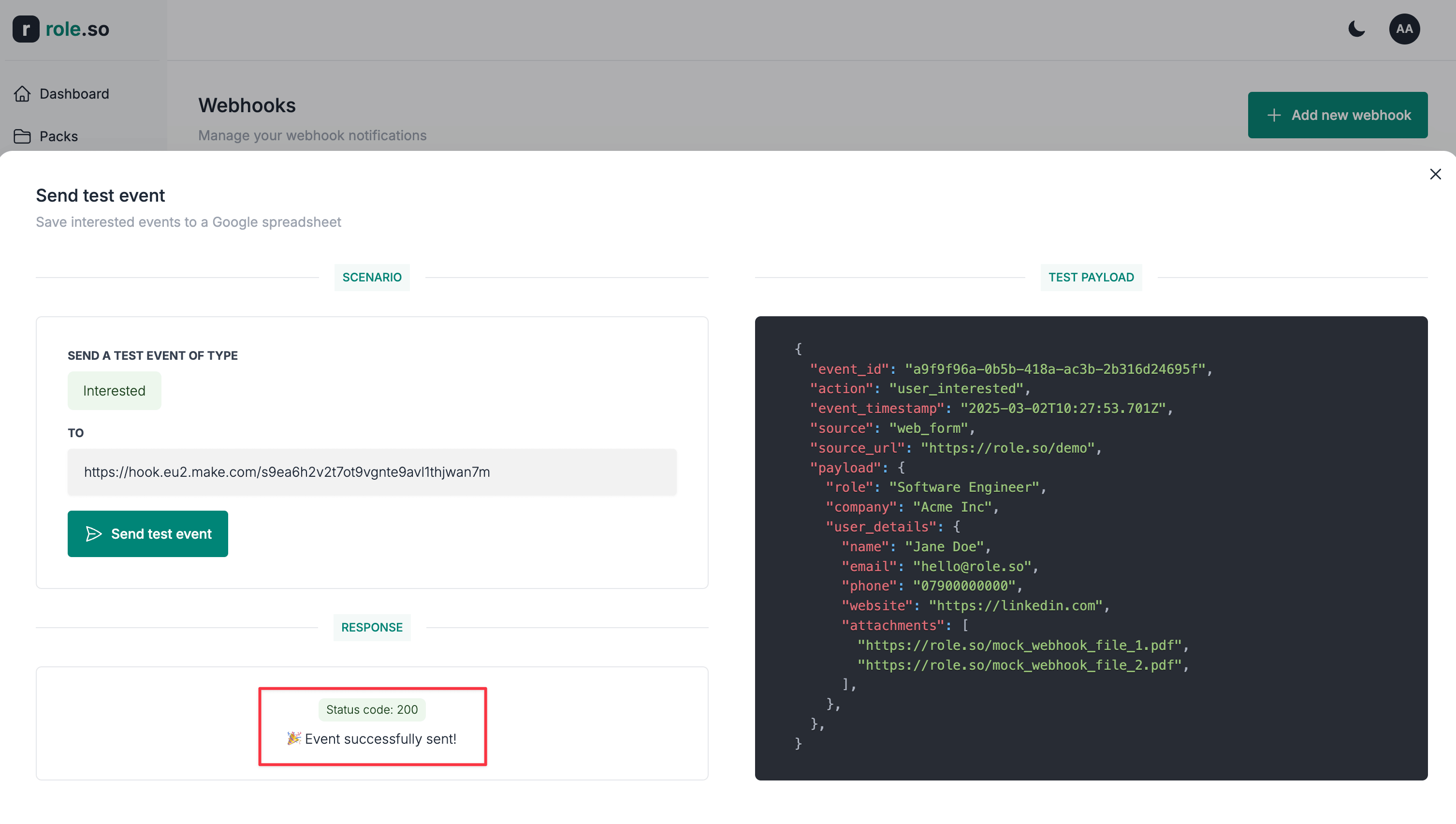
- You'll be presented with a modal
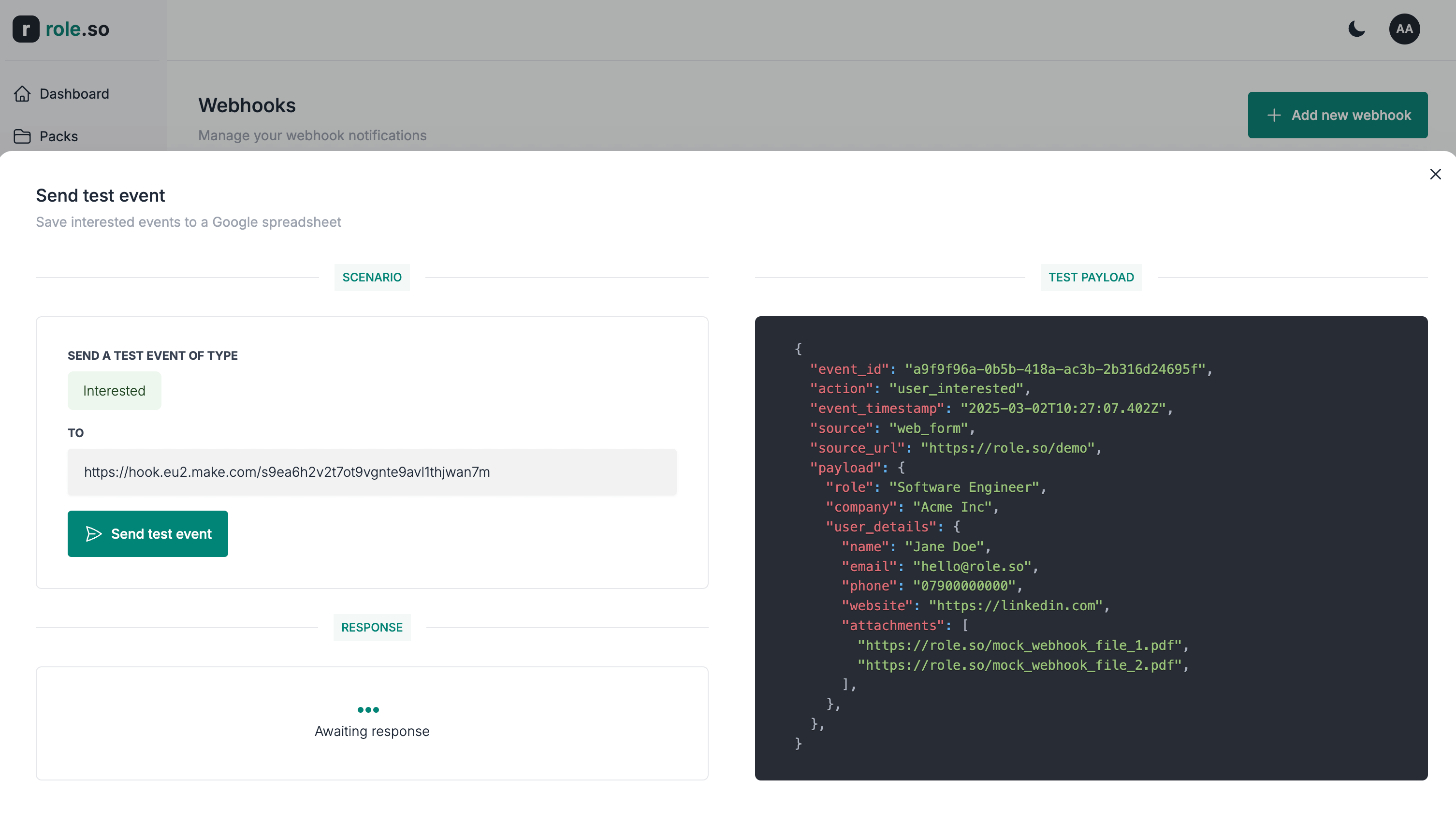
- Scenario: replays what event type will be send and where
- Test payload: the test data that will be sent
- Response: results section; it will display a success or a failure message
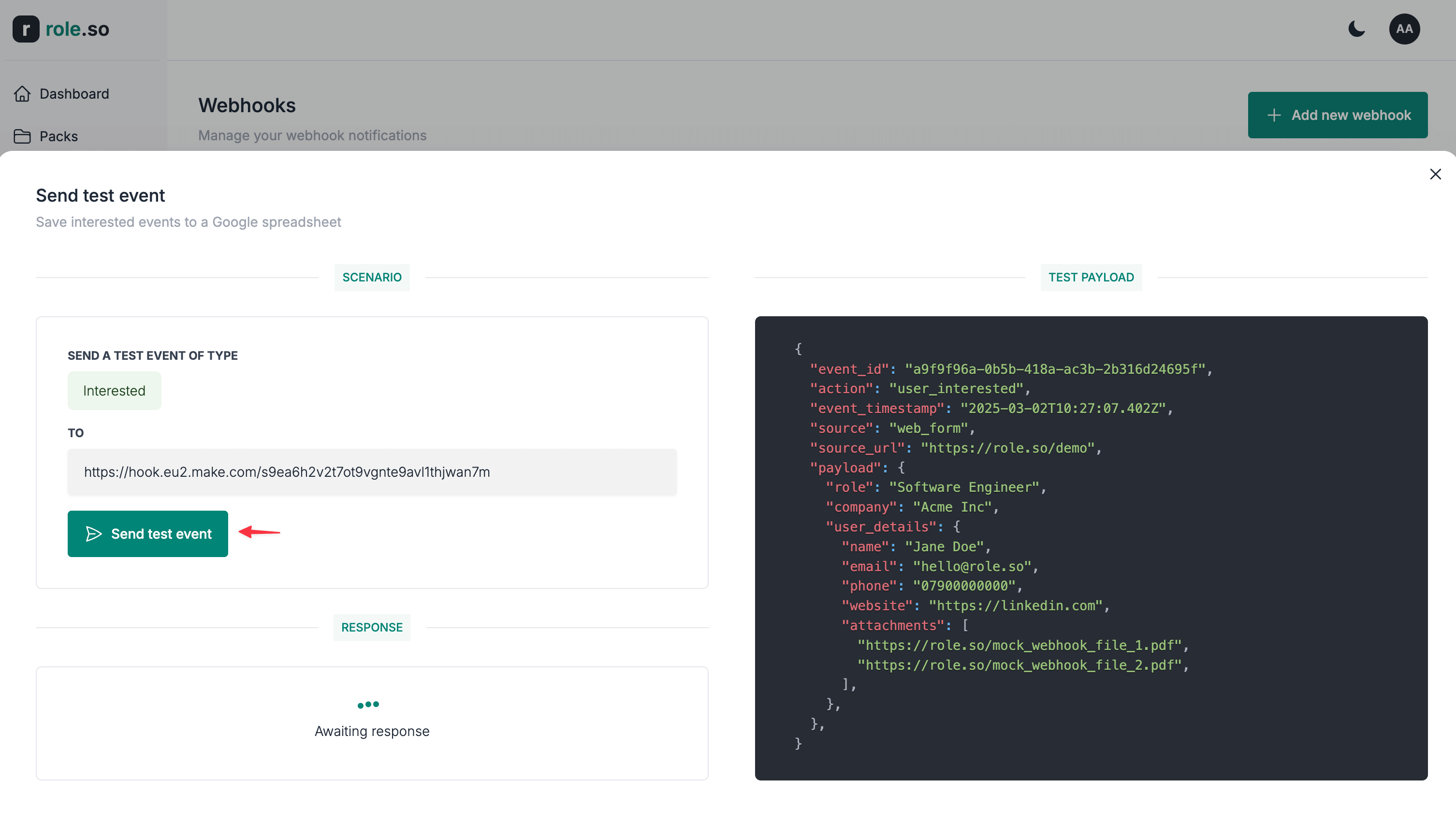
- Click the
Send test eventbutton
- Check the response status within the
Responsesection.
Success response example
Failed response example