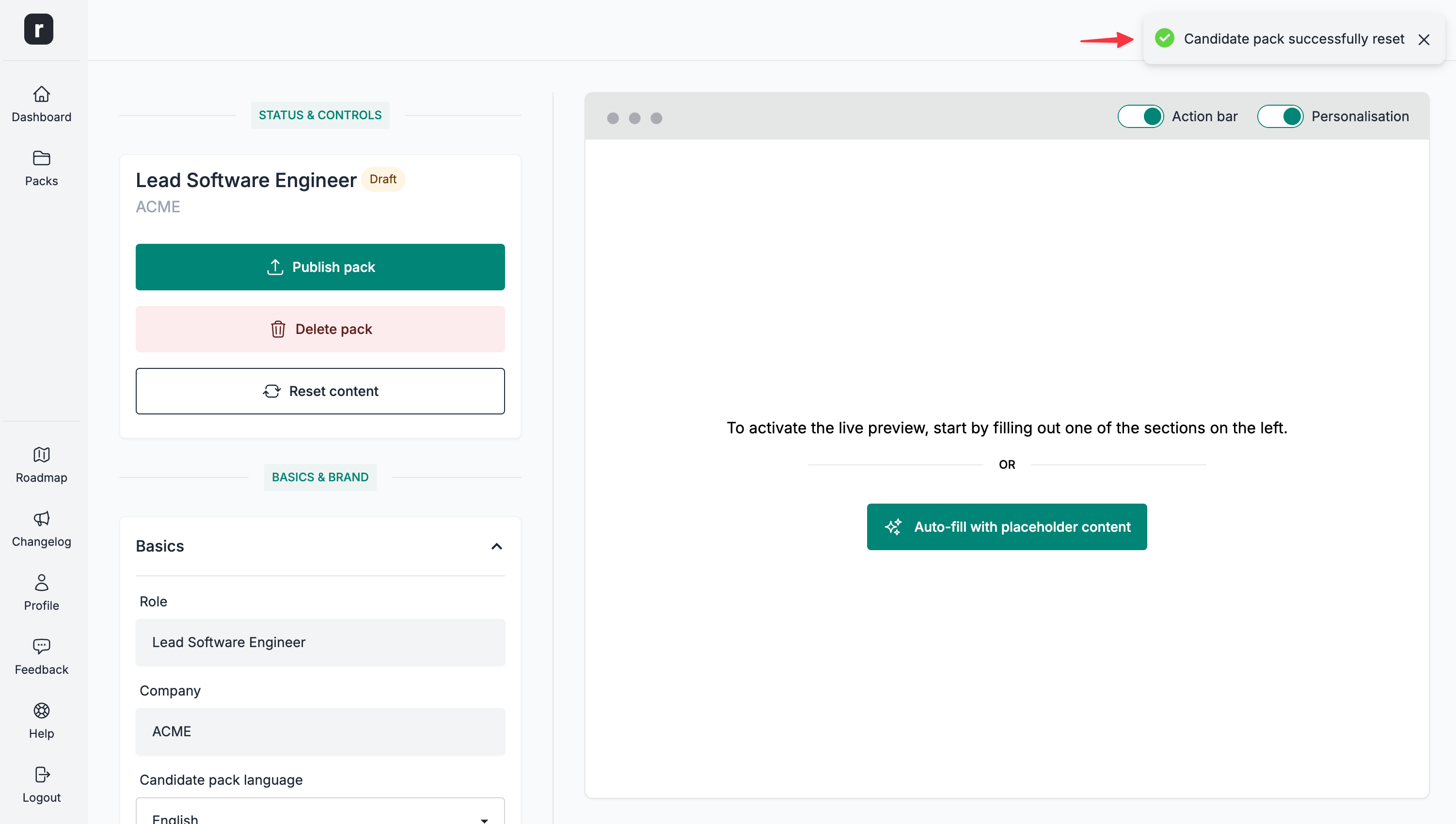
Reset a candidate pack
⚠️ This action cannot be undone, please proceed with caution.
To reset the contents of a candidate pack:
- Navigate to the candidate pack's editor page
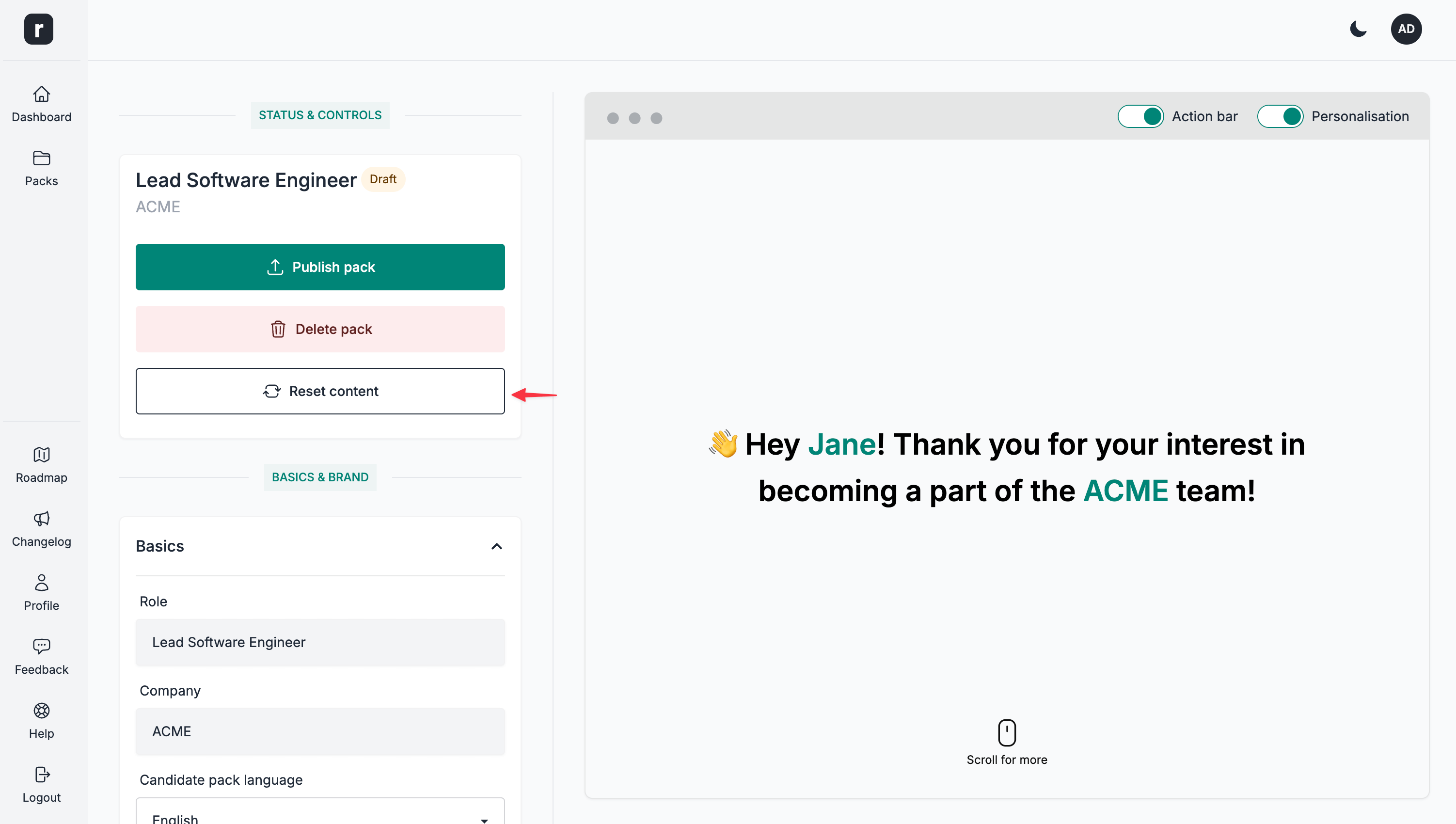
- Click the
Reset contentbutton under theStatus & Controlssection
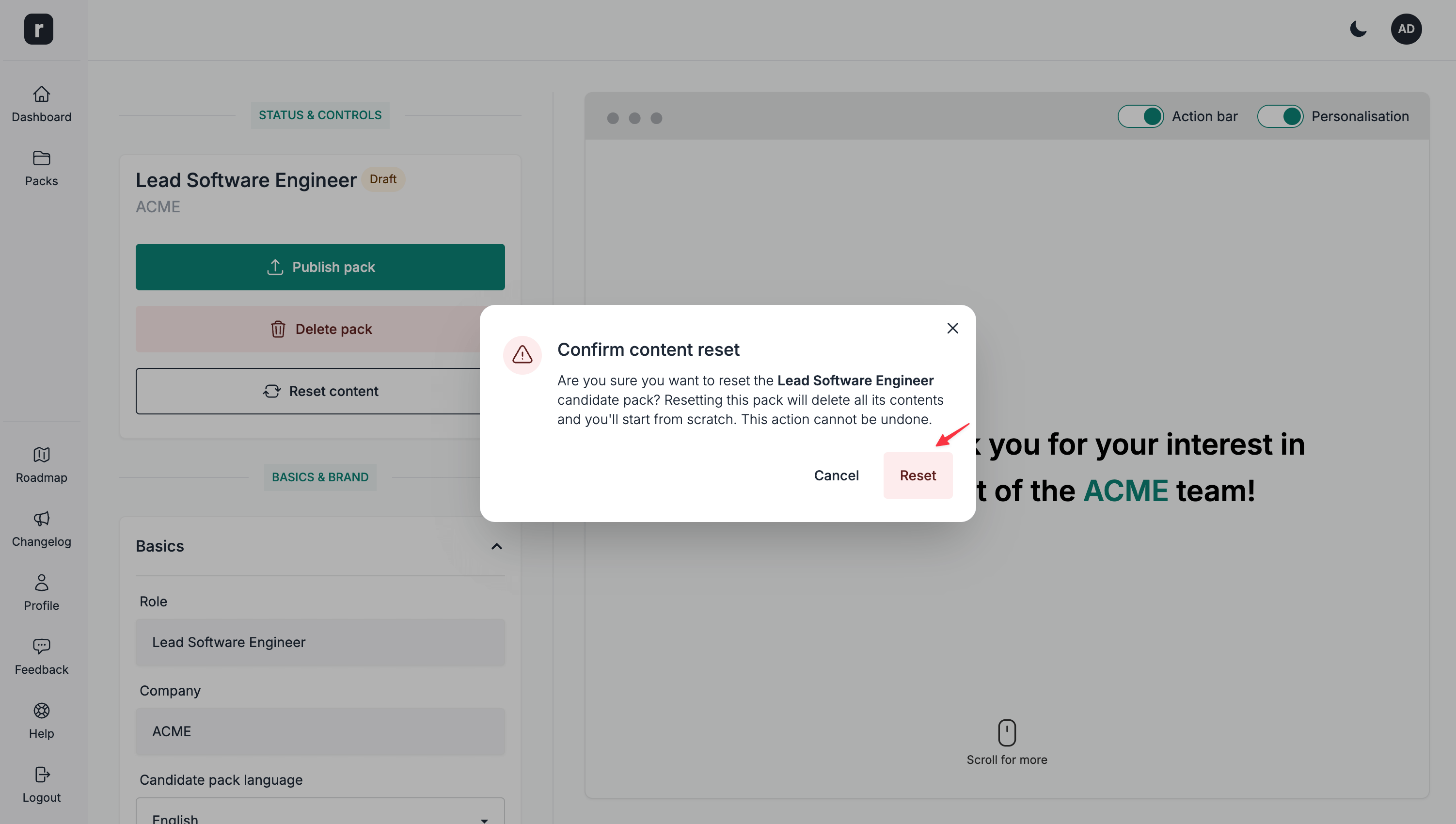
- Click the
Resetbutton on the confirmation modal
- Your candidate pack should now be clear of any content