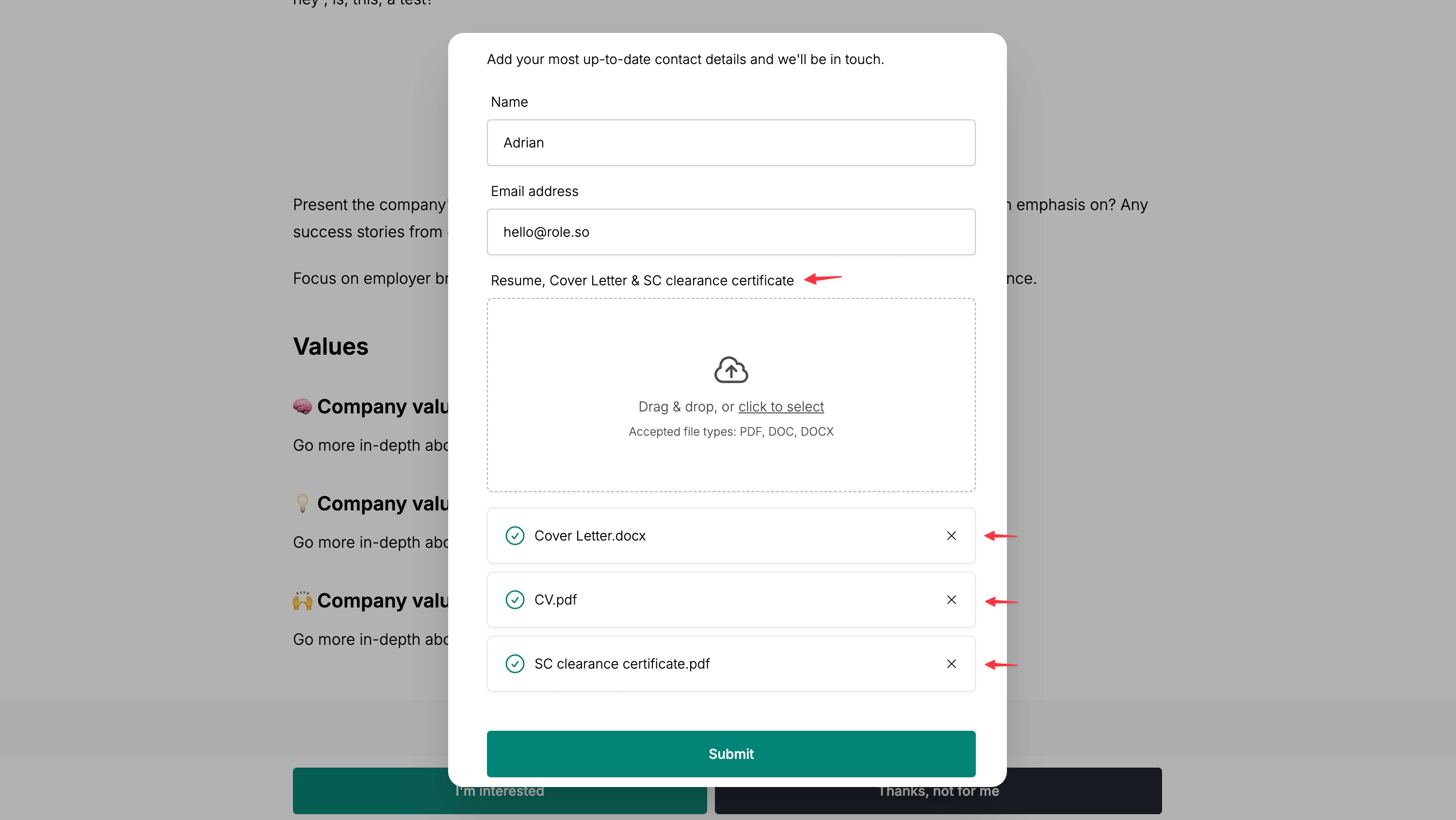
Add a CV field to the interest form
To enable the CV field on the interest form:
-
Navigate to the editor page of the candidate pack of your choice
-
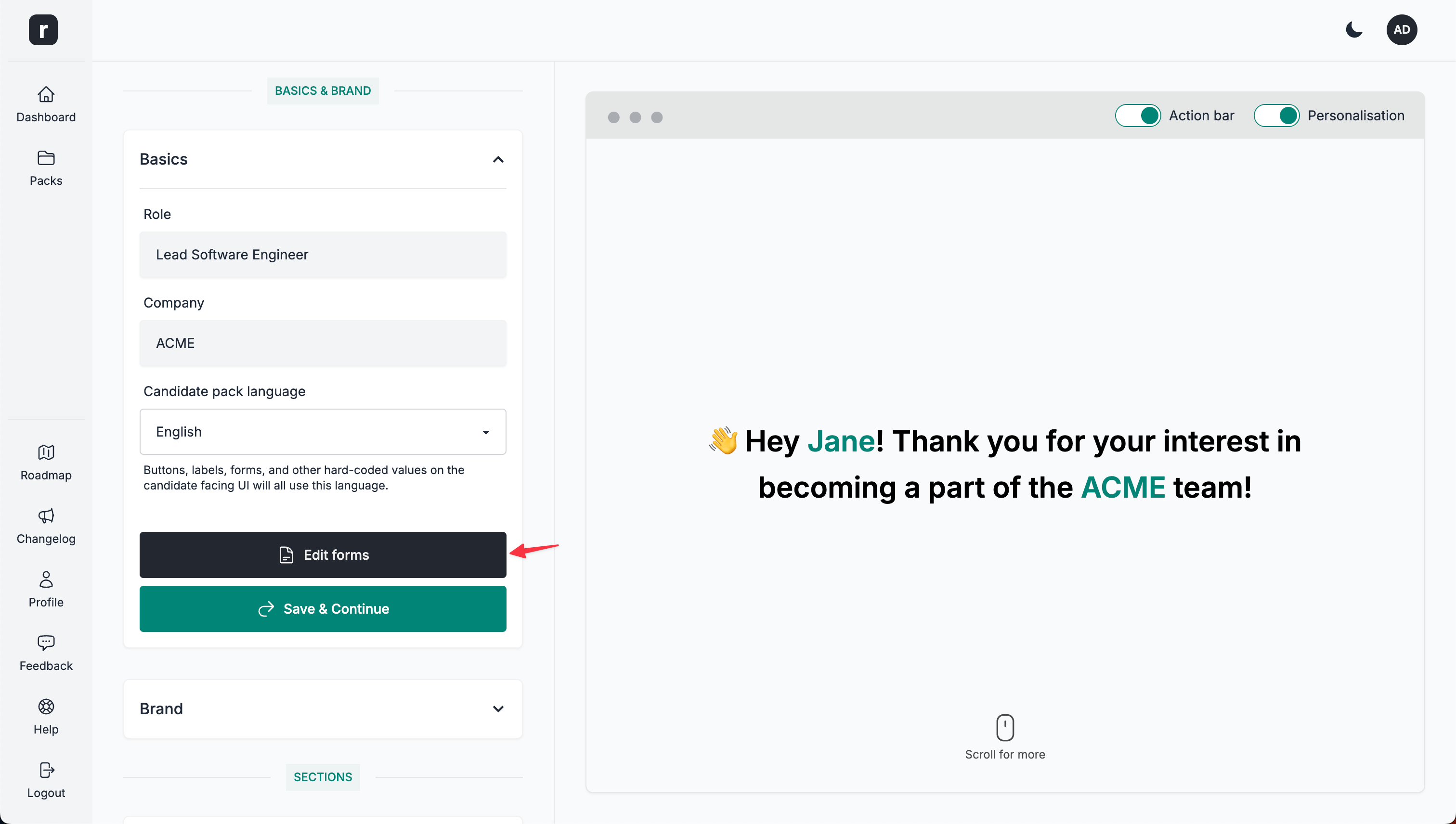
Click the
Edit Formsbutton, located under theBasicssection
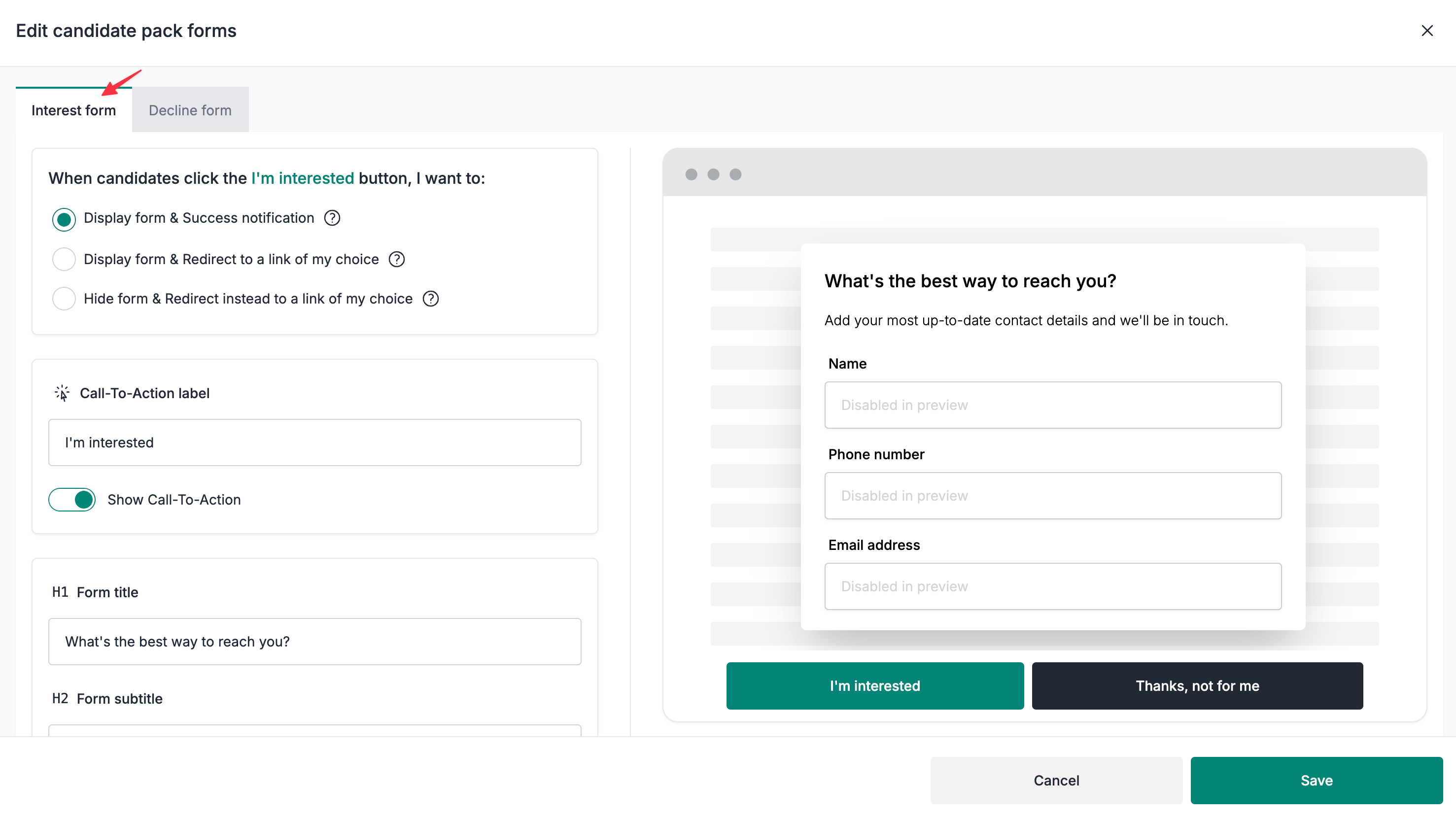
- Make sure you are on the
Interest formtab
- Scroll down to the
Form fieldssection
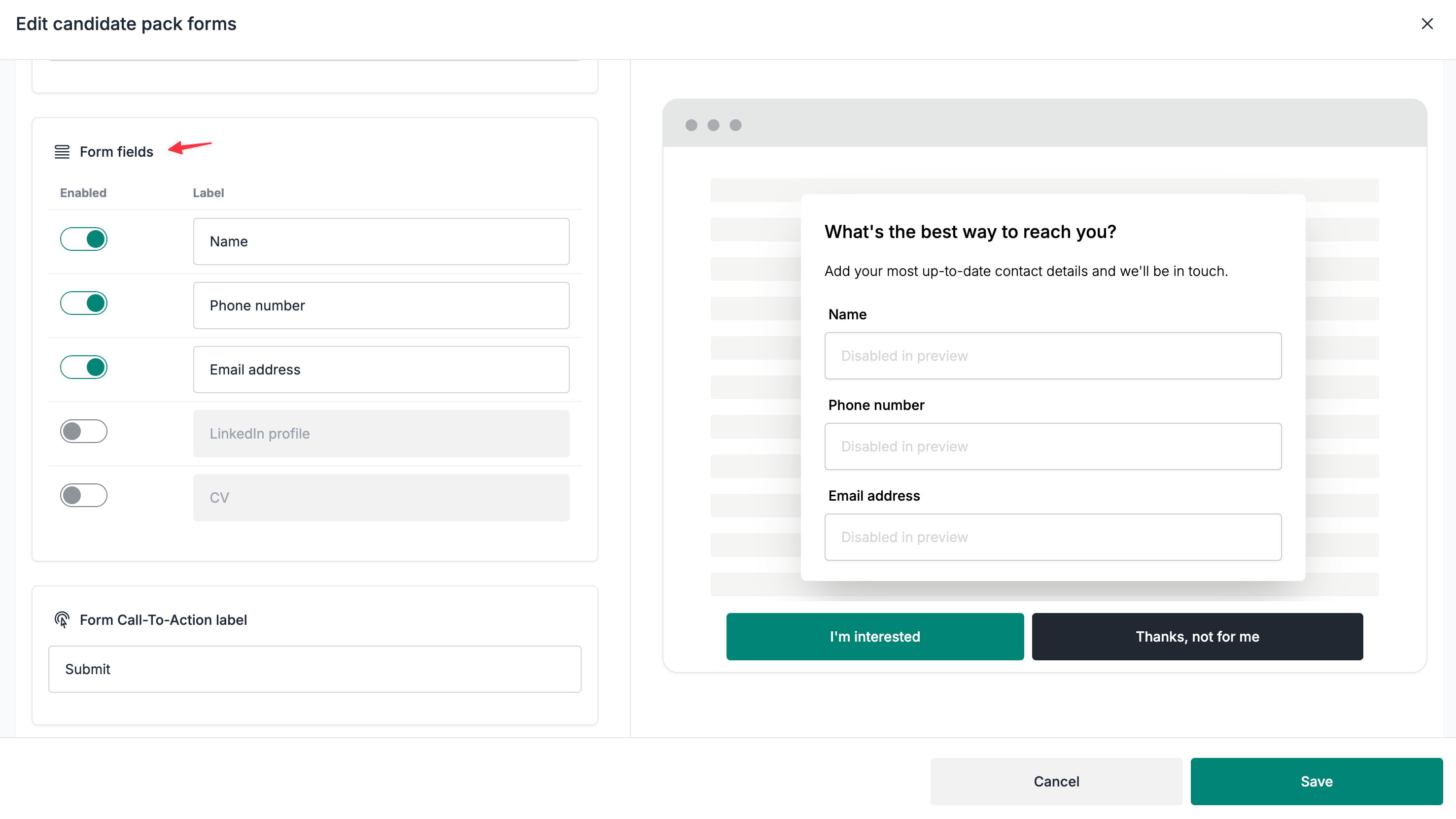
- Enable the
CVfield
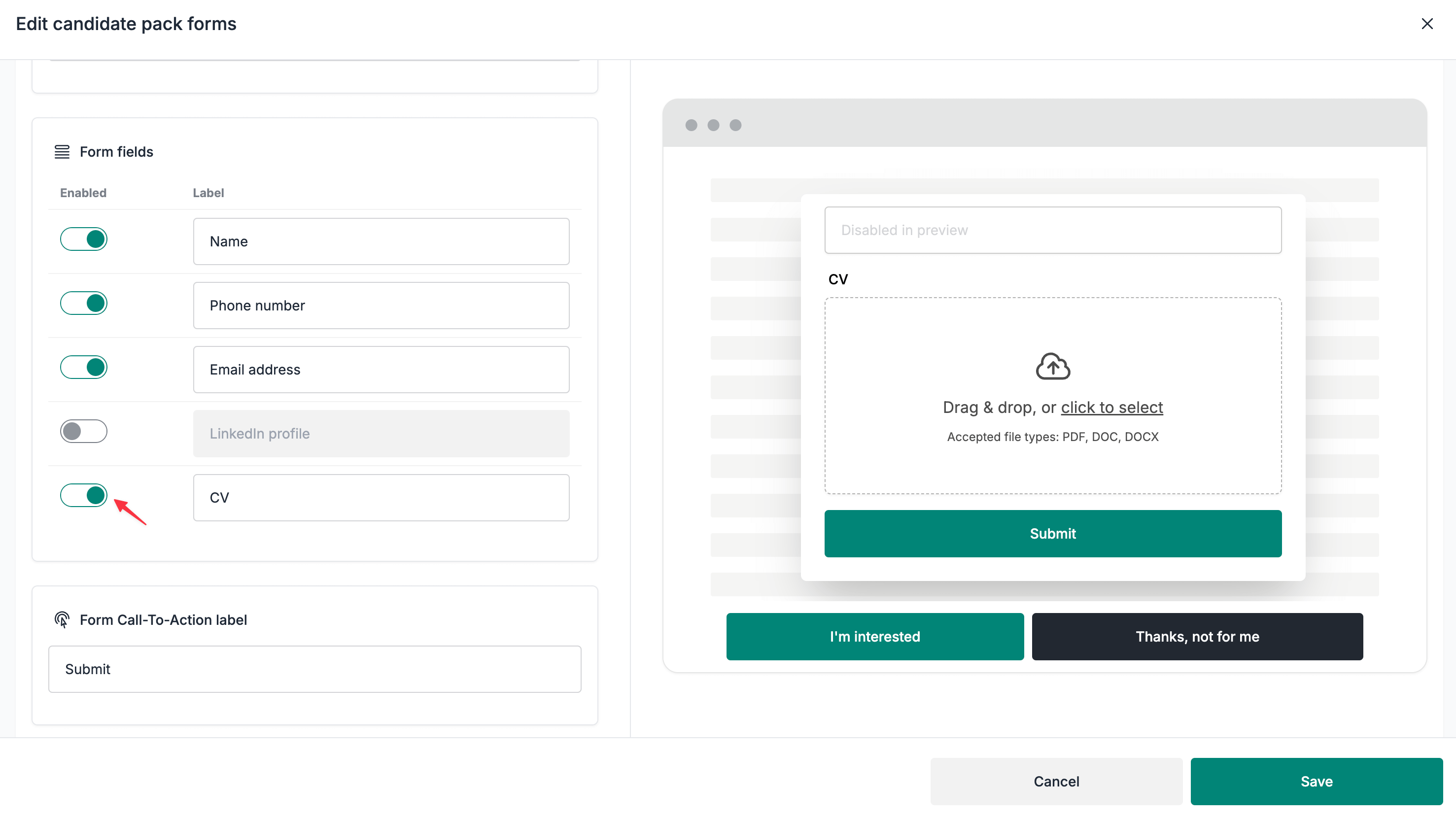
-
(Optional) Change the label
-
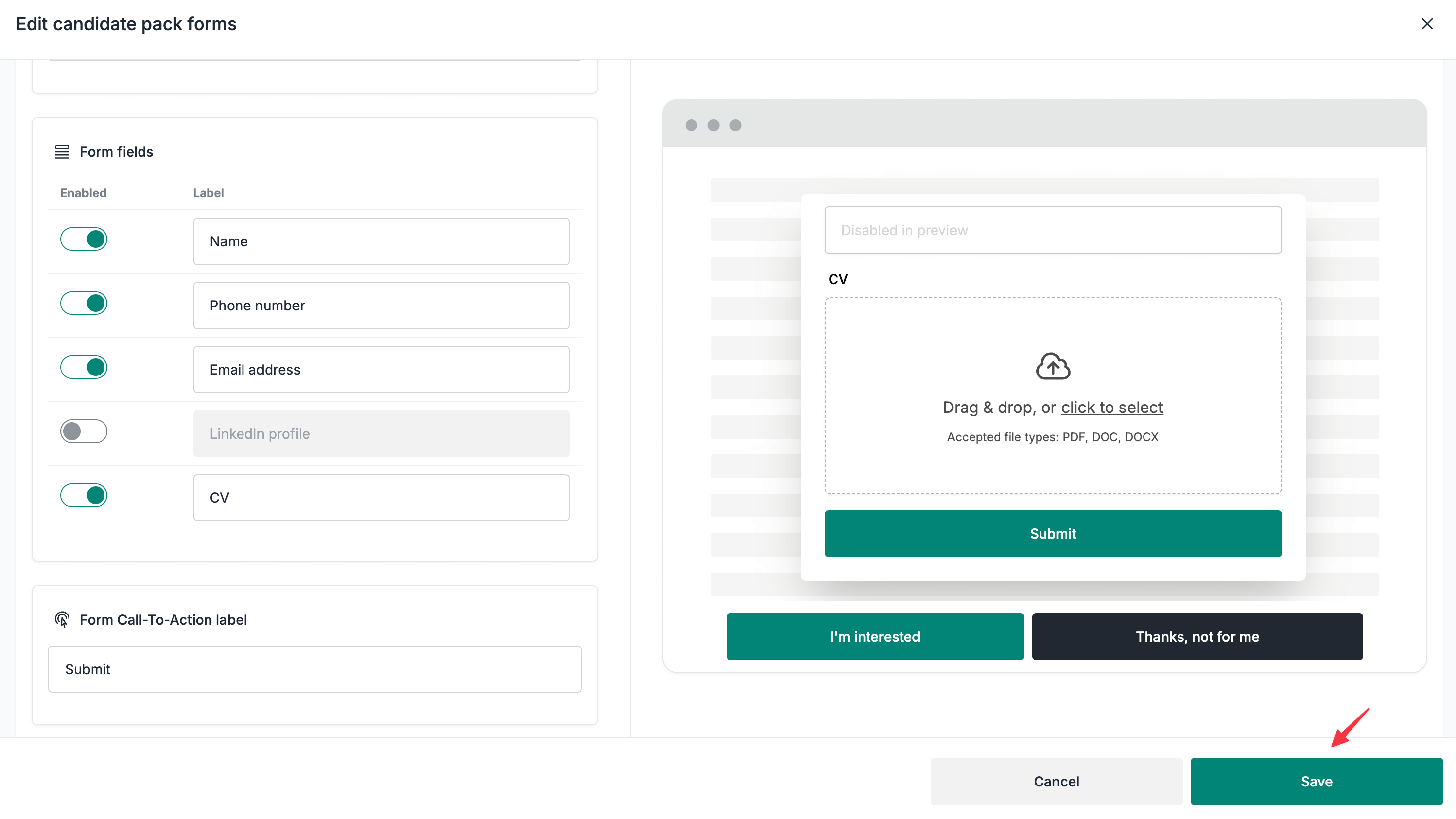
Click on the
Savebutton to save your changes
⚠️ Unable to see the fields section?
Make sure you are not on the
Hide form & Redirect instead to a link of my choiceflow selection.
Multiple file uploads
Depending on your use case, you can use the file upload field to ask candidates to upload multiple files, such as CV, cover letter, certifications, etc.
The multiple file upload feature is enabled by default. You can upload 10 files at most and the total size of all the attachments cannot exceed 25 MB. For clarity and a better candidate experience, we'd recommend adjusting the upload field's label to specify what documents you expect a candidate to upload.
Example label configuration
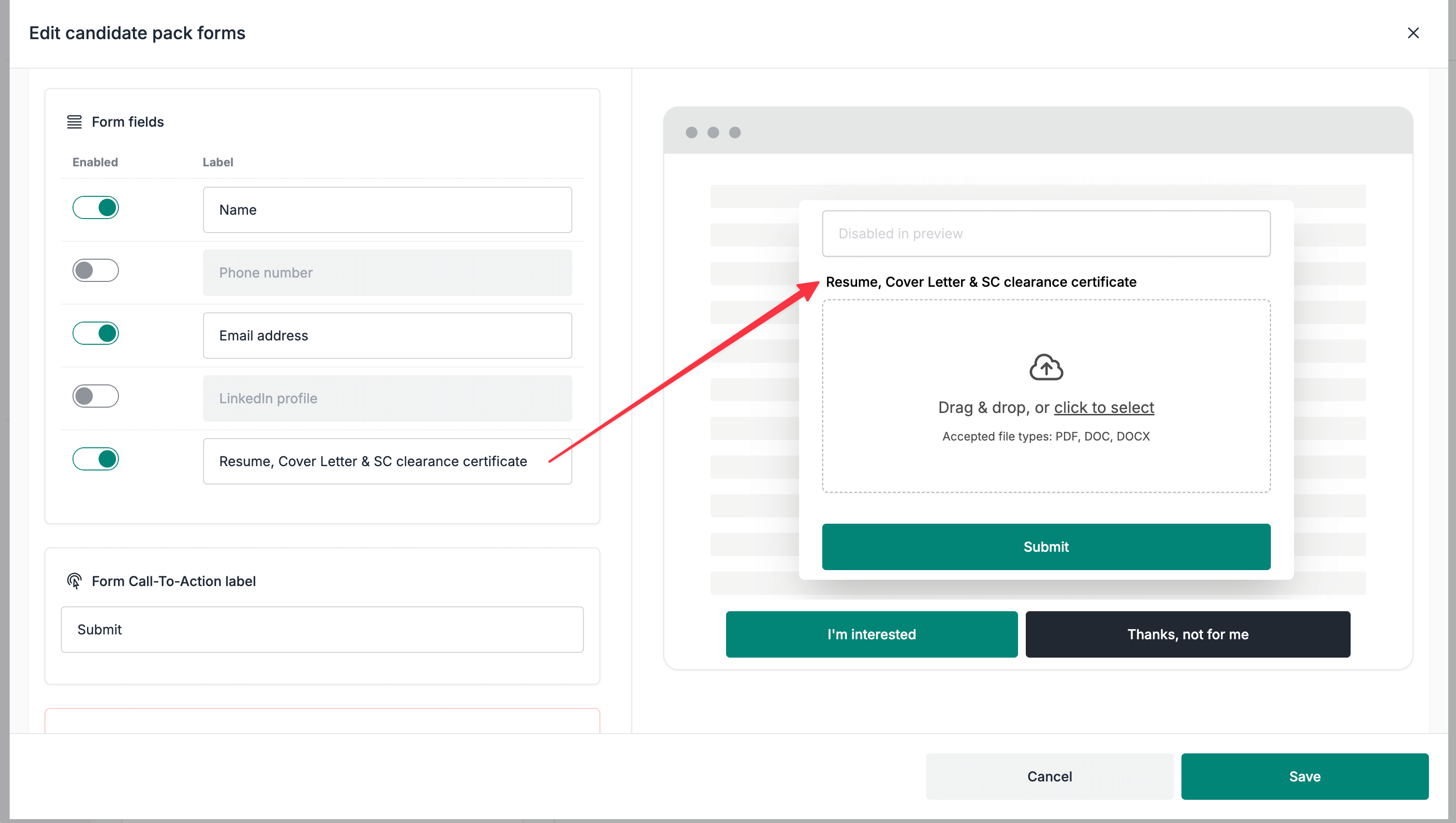
How it works on the public candidate pack page