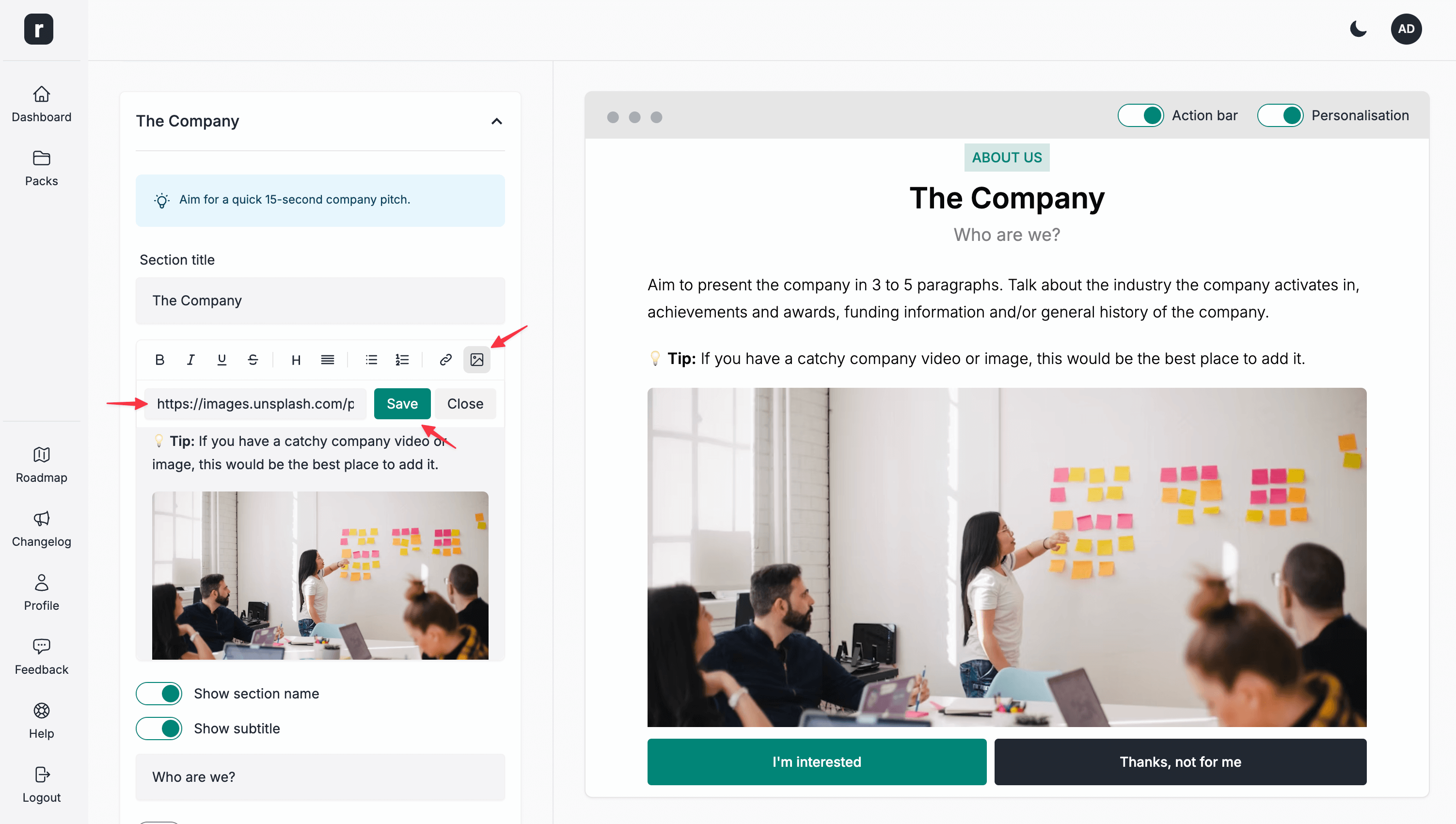
Add an image
You can add an image to all the candidate pack sections, except FAQ and Job Facts.
To add an image:
- Expand the section where you'd like to add an image
- On the text formatting toolbar, click the image icon
- Add the image URL you'd like to insert into this section
- Click the
Savebutton - When you are done editing the section, click the
Save & Continuebutton