Add a FAQ item
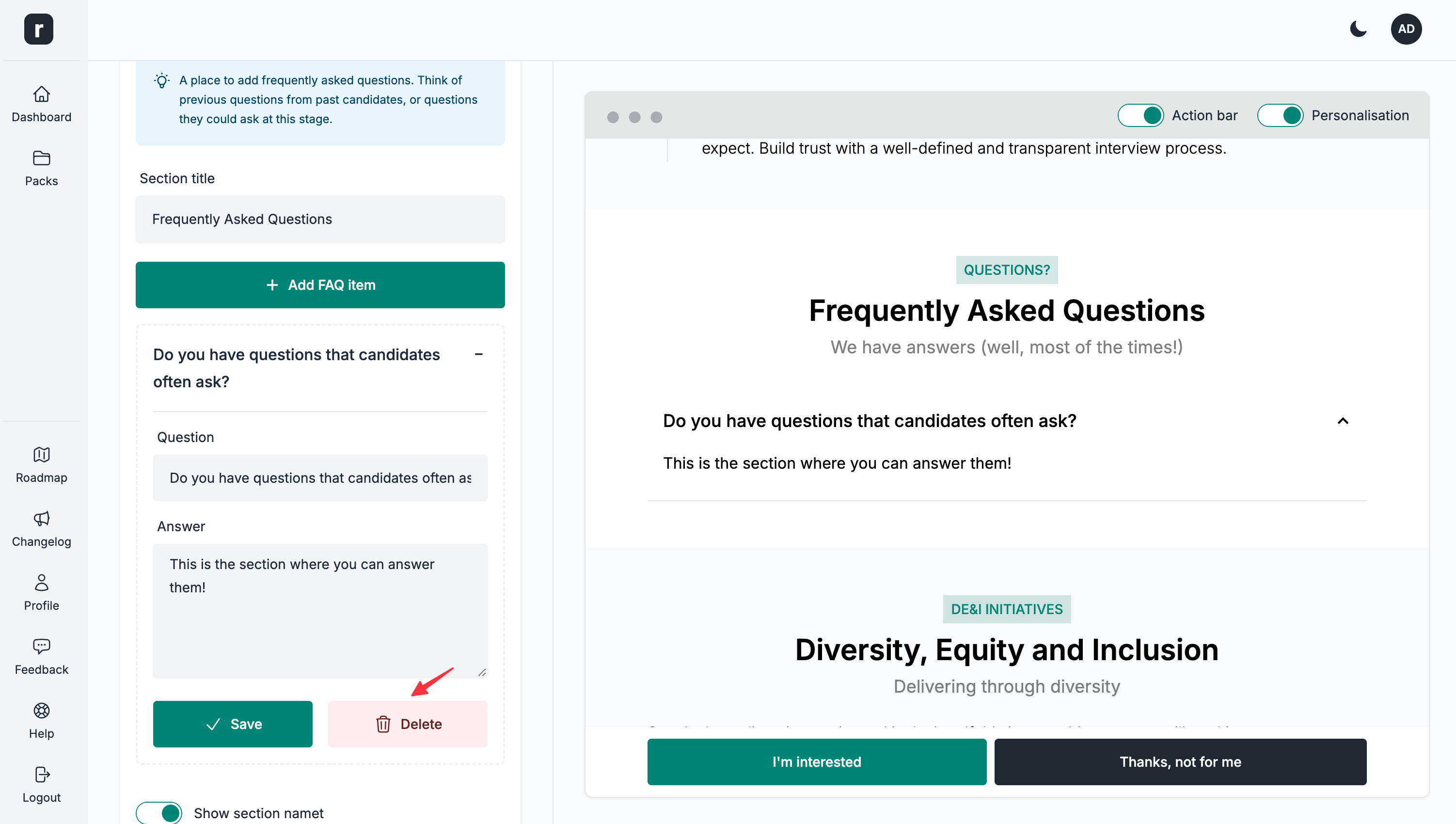
Adding a FAQ item
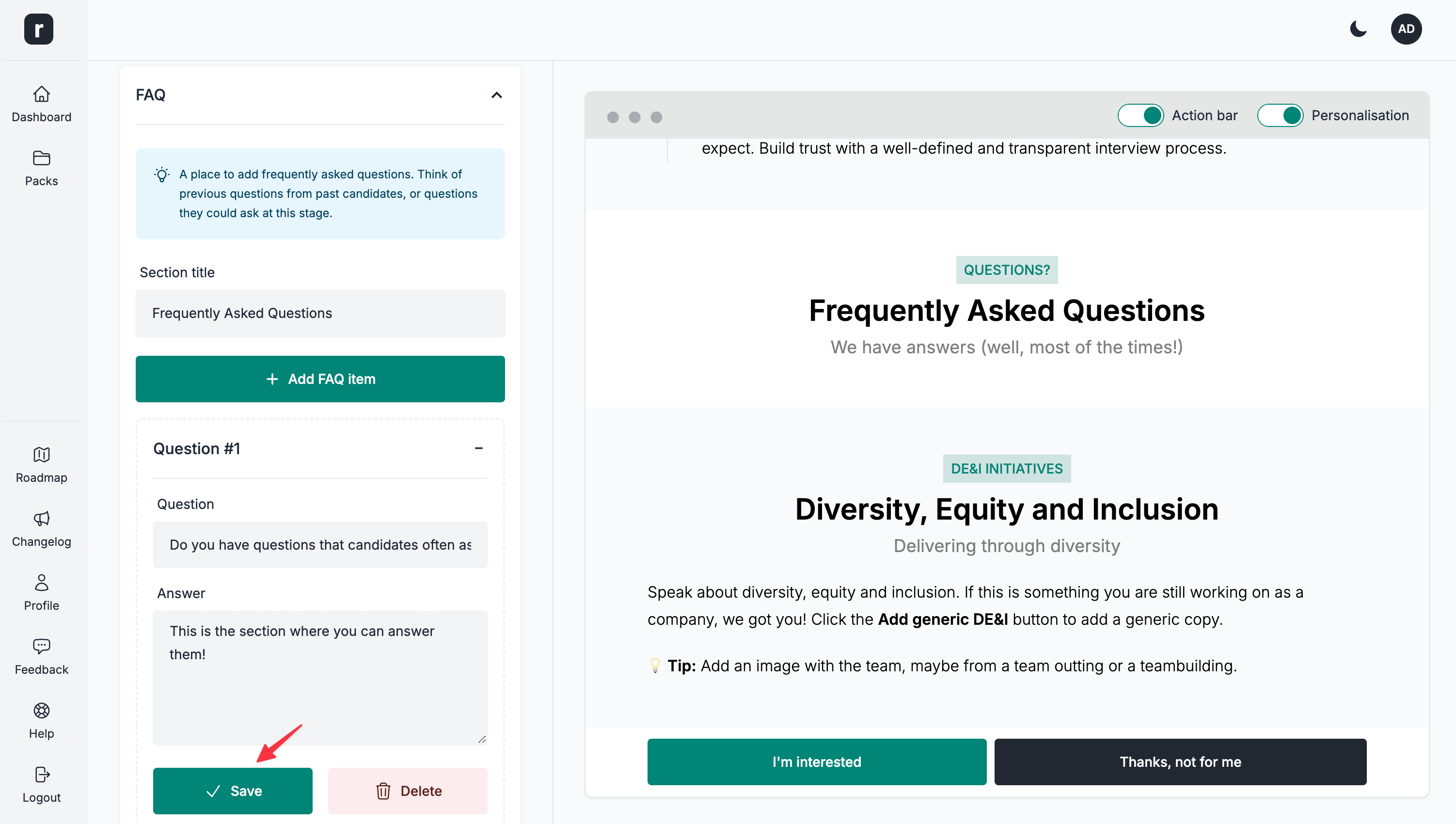
- Click
Add FAQ itemunder theFAQsection
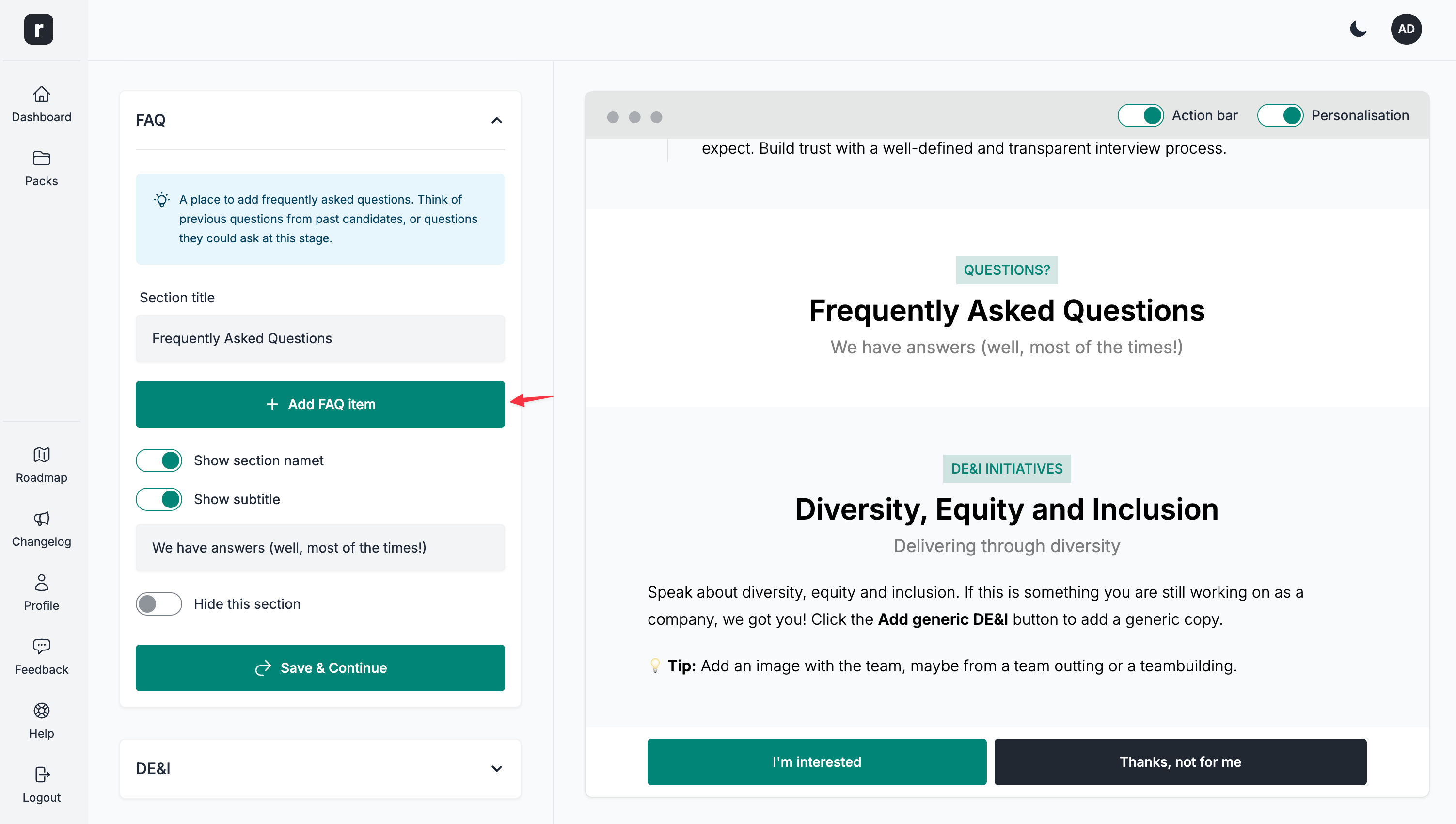
- Click the newly added FAQ item to expand it
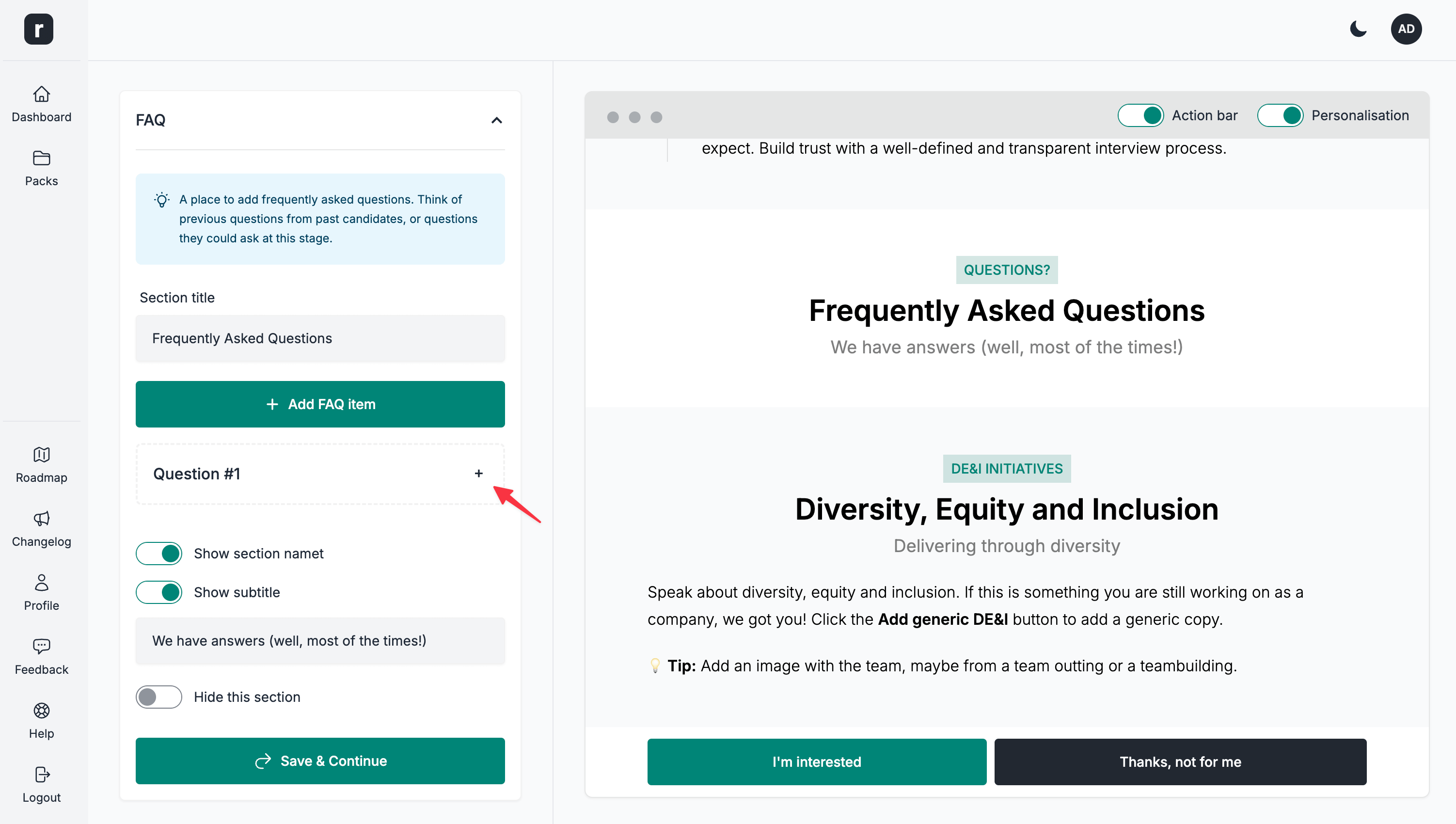
- Add a question and the answer
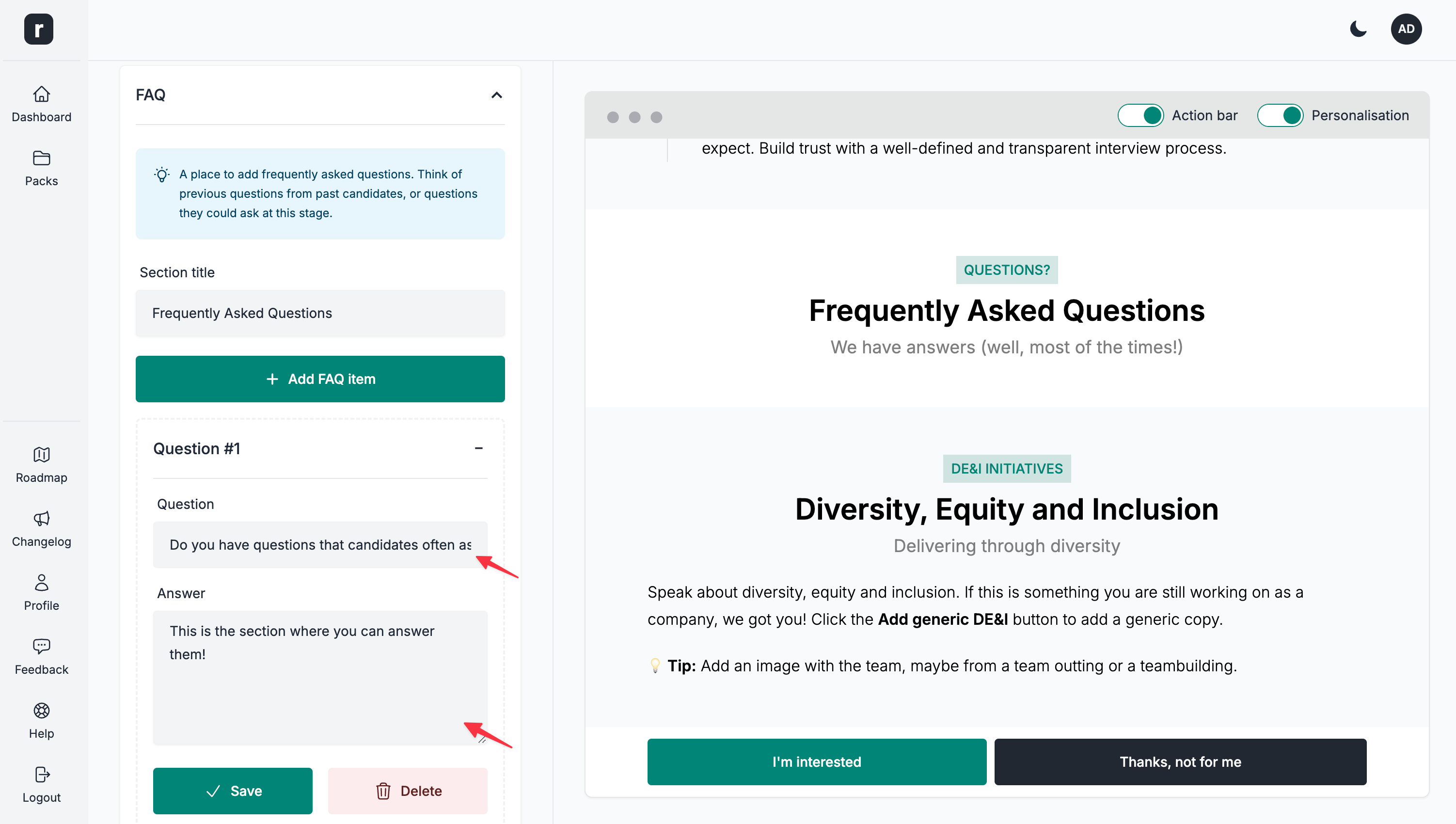
- Click the
Savebutton
-
Repeat steps 1 through 4 as many times as needed
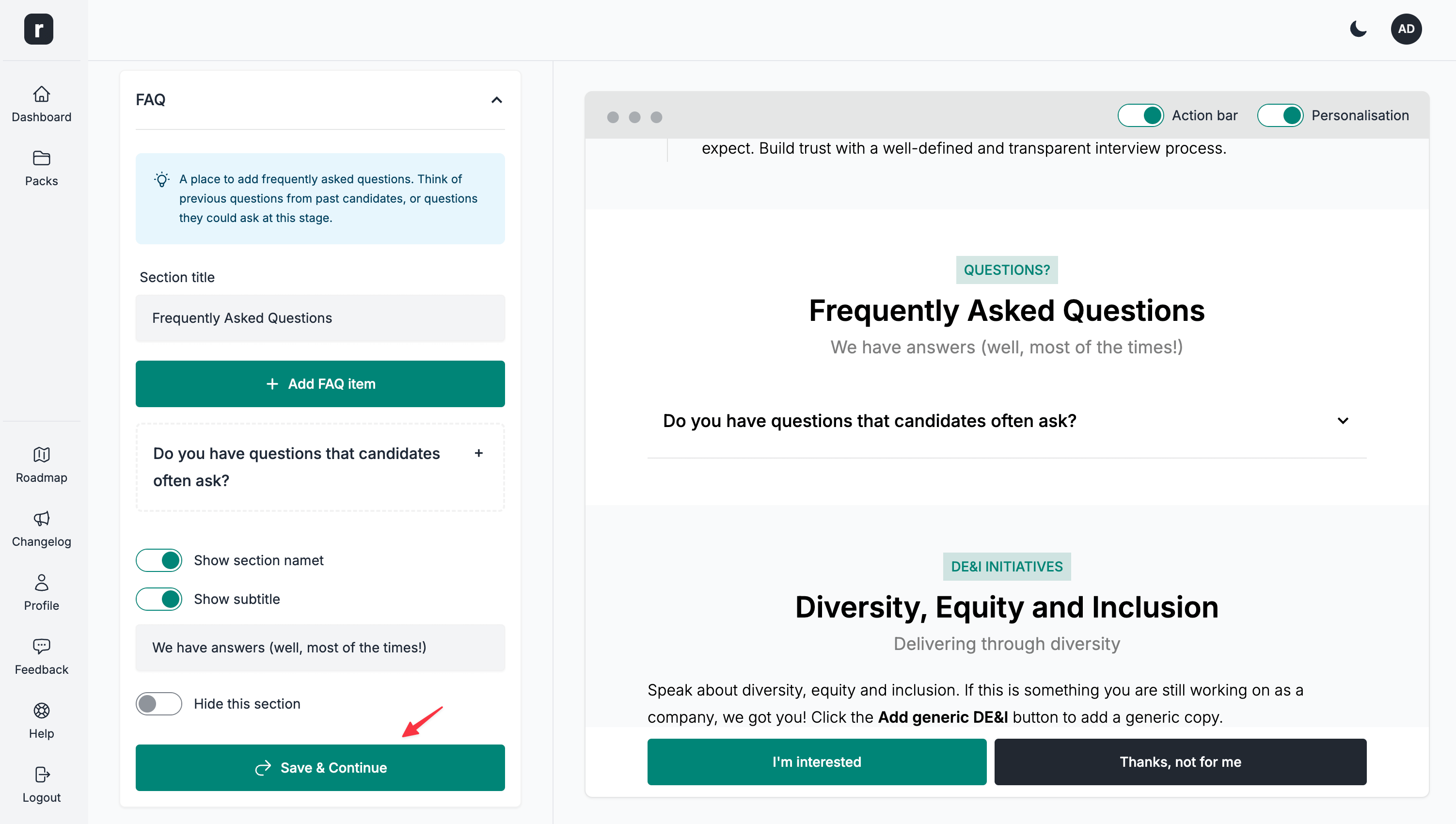
-
Click the
Save & Continuebutton to save the section changes
Deleting a FAQ item
⚠️ This action cannot be undone, please proceed with caution.
- Click to expand the FAQ item you'd like to delete
- Click the
Deleteoption