Use mass personalisation
How name personalisation works?
The personalisation happens at URL level. As long as the public candidate pack page follows the right URL structure, you can inject any name and it will be picked up by the {{ name }} variable, within a candidate pack.
https://role.so/packs/{PACK_ID}?name={NAME}
Let's break this down:
https://role.sois the domain/packs/{PACK_ID}is the public candidate pack path, where{PACK_ID}is the random ID that the platform assigns to you when creating a new candidate pack?name={NAME}is how the name customisation is being injected
A real-life example would be: https://role.so/packs/demo?name=Jane
How to use this at scale?
This really depends on the platform and CRM/ATS that you're using, however:
-
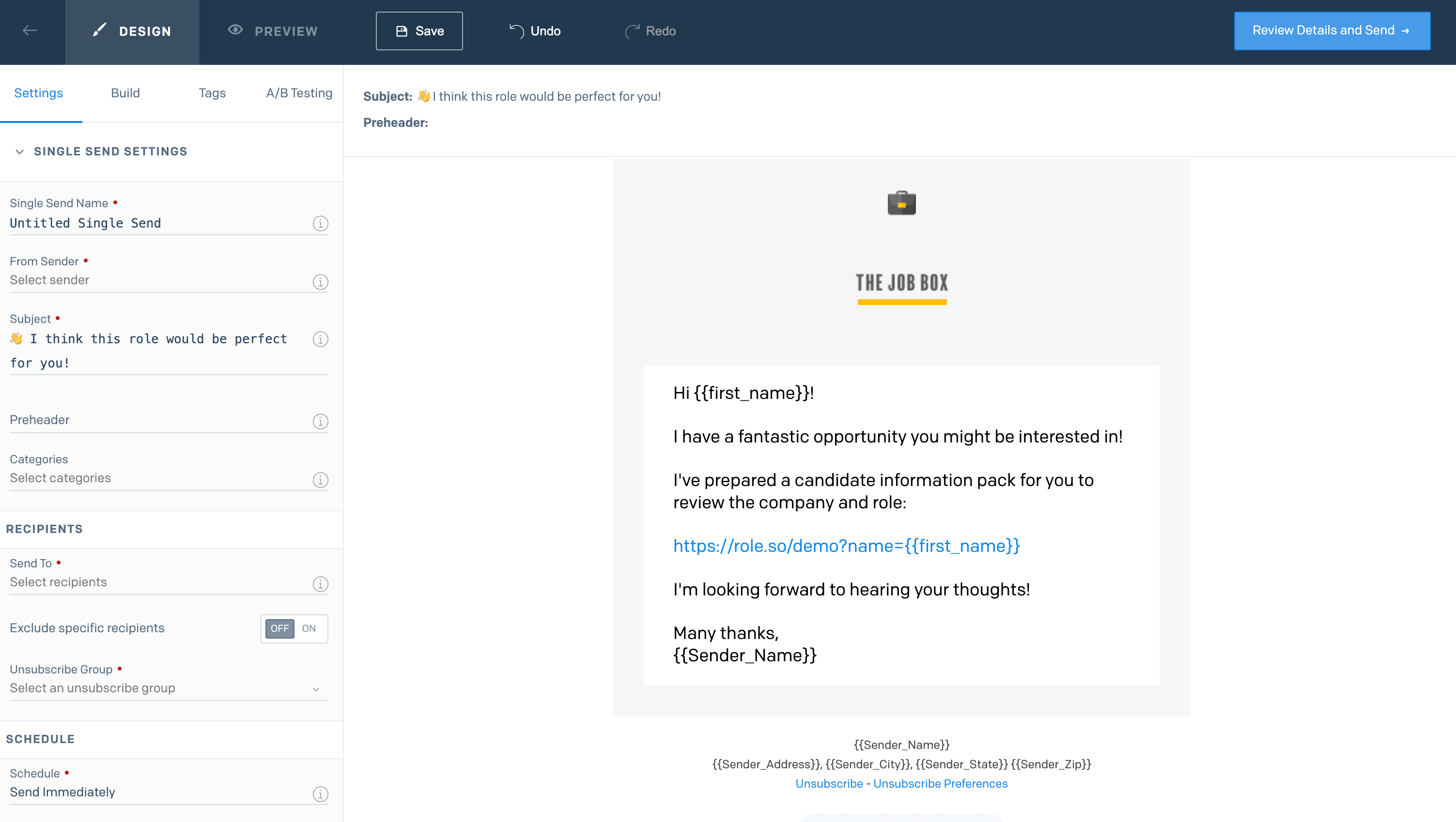
If you are using something like LinkedIn Recruiter, you could automatically add the name variable to the URL when sending out InMail messages to prospective candidates.
-
The same logic applies for any other CRMs or email platforms; most of them usually have a way of populating the name (as long as you have it on file). Make sure to add that to the URL following the above explained structure and your candidates will receive a personalised version of the candidate pack.
💡 Always remember to test your email before sending out an email campaign.